

Xiaomi Smart Wireless WiFi Video Camera
Black
$ 4,612.23
Skip to product information


Xiaomi Smart Wireless WiFi Video Camera
$ 4,612.23
🚚 SHIPPING INCLUDED
The shipping cost is already included in the displayed price. You will not pay an additional shipping fee.
🚚 Estimated delivery: 7–15 business days.
Important Note
This product is the Chinese version. For it to function correctly, you must select “Chinese Mainland” as the server/region within the app. Servers from other countries are not compatible. Please pay special attention.
Installation Compatibility
This device is suitable for doors with:
-
Thickness: 35 to 110 mm
-
Peephole Diameter: 15 to 40 mm
Compatible Storage
-
Only supports microSD cards from 16GB to 256GB.
-
It must be a new card; if you use an old card, you must format it to avoid incompatibility errors.
-
The card must be Class 10.
How to connect the device to the Mi Home app
1. Set the region
Before adding the device, open the Mi Home app and select: Region: Chinese Mainland
2. Download or open the Mi Home app
-
You can scan the QR code in the manual, or
-
Search for “Mi Home” in the app store and install it.
3. Turn on the device
-
Connect the adapter to the power port.
-
The camera will turn on automatically.
-
The indicator light will turn solid yellow.
-
You will hear a voice message confirming power-on.
4. Add the device
-
On the Mi Home home screen, tap the “+” symbol in the upper right corner.
-
Select Scan or follow the instructions to detect the device.
5. Reset the device if necessary
-
Follow the on-screen prompts.
-
Select Reset device to start pairing.
6. Select the WiFi network
-
Choose 2.4GHz WiFi (not compatible with 5GHz).
-
Press Next.
7. Complete pairing
Continue the steps until the connection is successful.

Xiaomi Smart Cat Eye 2 — Key Features
· 3MP HD Camera
Captures highly detailed images with its 2048 × 1536 resolution, offering greater clarity. Compatible with HDR, which improves light and dark areas even in backlit scenes.
· HDR Support
Automatically optimizes lighting for more balanced images in any light condition.
· 180° Wide-Angle Lens
Provides a wide field of view with minimal blind spots, ideal for monitoring outside the door.
· 940 nm Infrared Night Vision
Includes 8 infrared lights and a high-sensitivity sensor that allows clear viewing up to 5 meters in complete darkness, without the typical visible red glow of other cameras.
· 5-inch HD Screen (720P)
720P LCD screen with full lamination process and tempered glass. When someone rings the doorbell, the screen automatically displays the outside view, useful for all family members.
· High-Capacity 8000mAh Battery
Extended battery life and charging via Type-C port.
· Dual PIR Human Detection Sensor
180° horizontal coverage, activating recording upon motion detection. Three adjustable sensitivity levels for customized detection.
· Local AI Humanoid Detection
Effectively filters false alarms and sends only relevant notifications.
· Two-Way Voice Call
Allows initiating video calls from the Mi Home app. Includes a voice-changing function for added security and customizable quick responses.
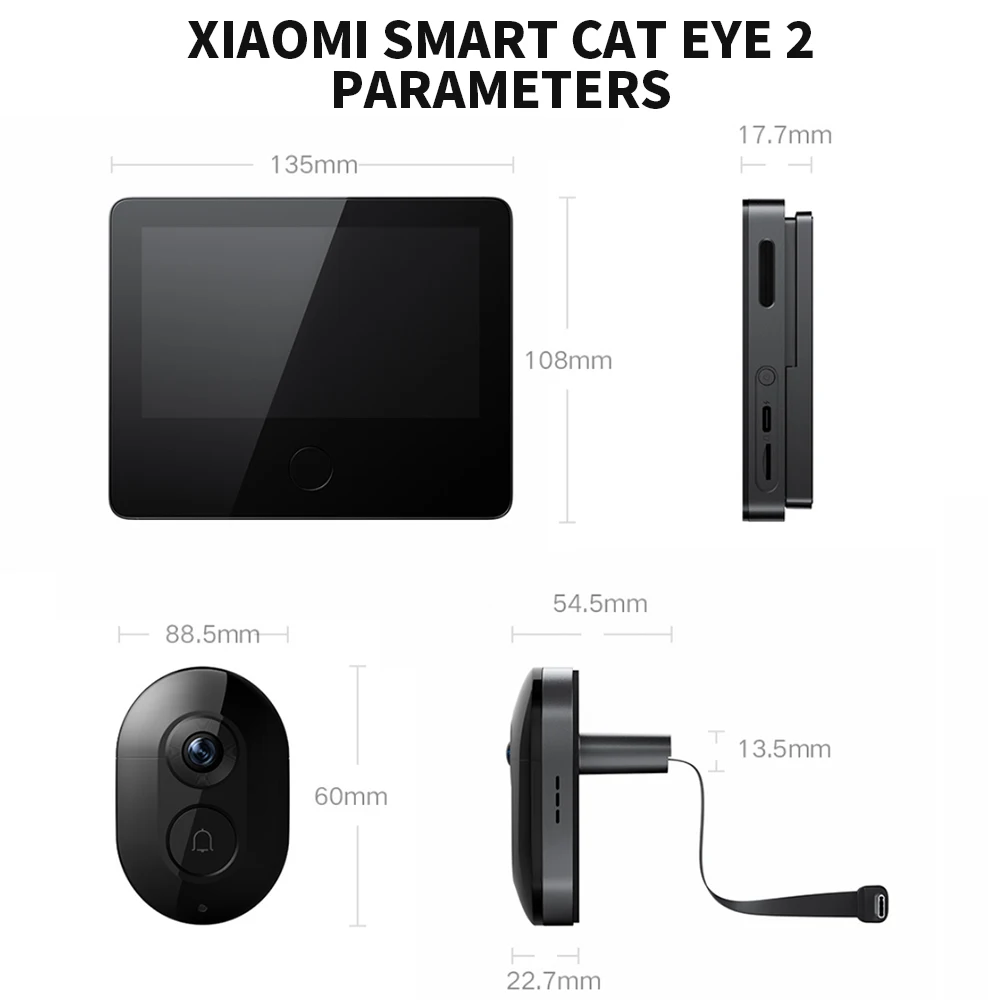
Detailed Parameters
Xiaomi Smart Cat Eye 2 Real-time home protection, day and night.
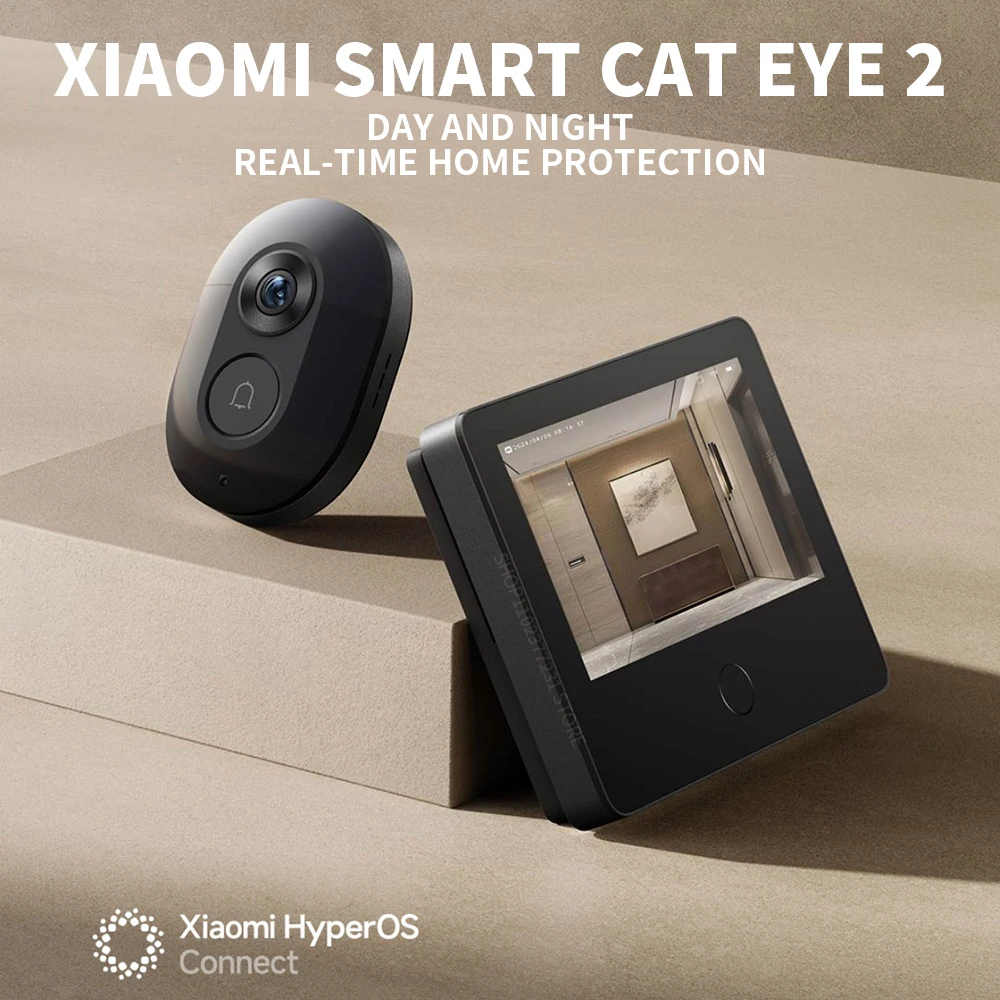 3MP high-definition image
detailed capture of dynamics outside the door
8000mAh large battery,
ultra-long battery life
180° monitoring field of view
with few blind spots outside the door
5 Meters infrared fill light
clear imaging day and night
Dual human body infrared sensor
immediate video recording of people outside the door
*5-inch 720P HD screen
clear and comfortable viewing
To-way variable voice intercom
variable voice intercom for more peace of mind
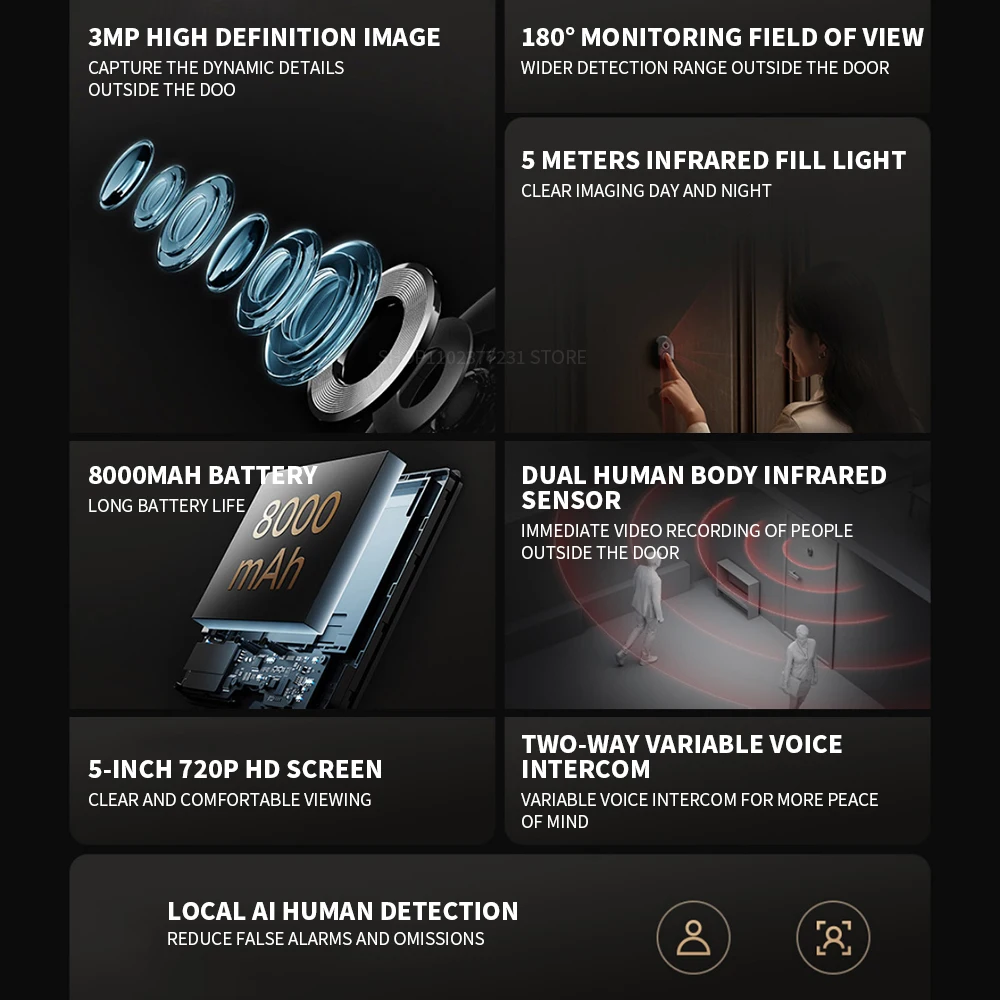 3MP HD camera
Rich details, clear capture
3 million high-definition video with a resolution of 2048×1536, the picture quality is clearer, it also supports HDR, and the backlight shooting is also clear. 180° wide angle lens
The field of view is wide, there are fewer blind spots outside the door, and you can feel more confident when looking after your home.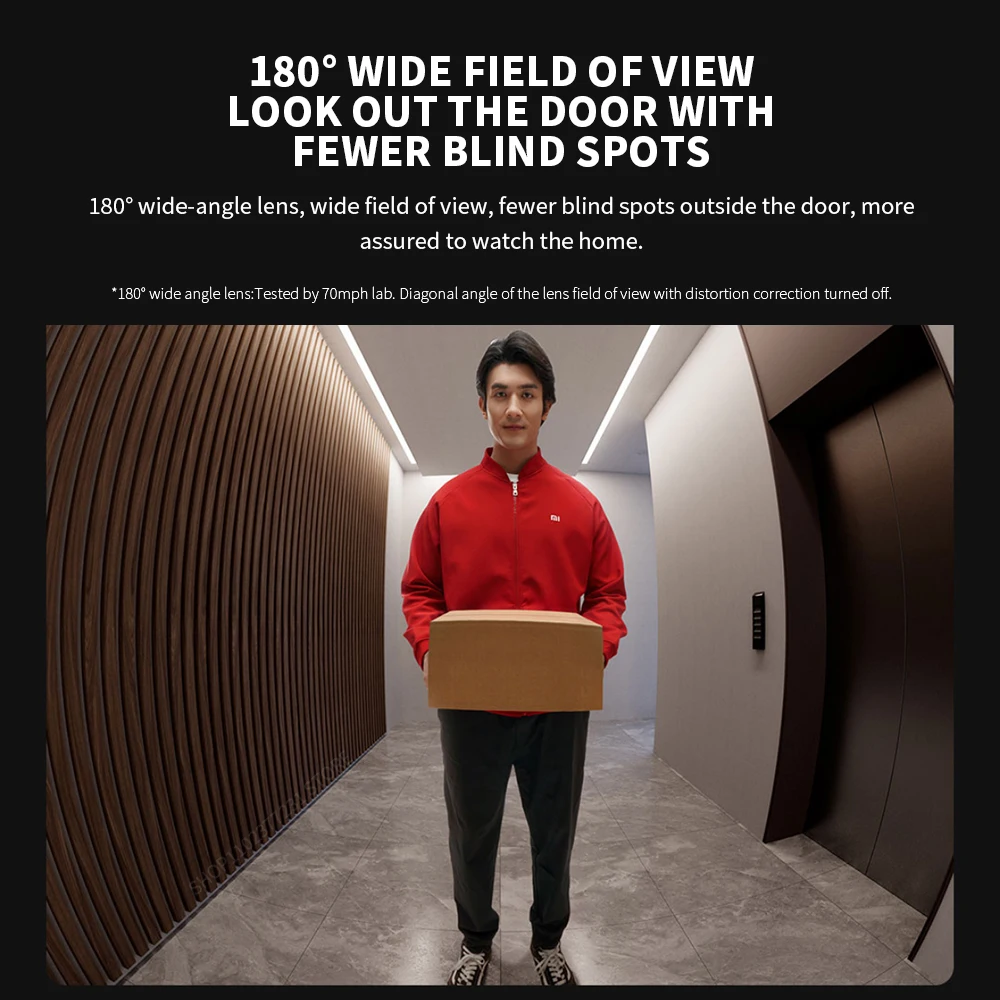 940nm infrared fill light, no matter how dark it is at night, it’s still clear
8 940nm infrared night vision lights, 5m infrared fill light, and high-sensitivity sensor, no red exposure at night, clear and non-disturbing. 5-inch 720P HD screen
It adopts 720P LCD screen and tempered glass full lamination process, which makes the image clearer. When someone presses the doorbell, it will automatically display the picture outside the door, making it convenient for the elderly and children to view.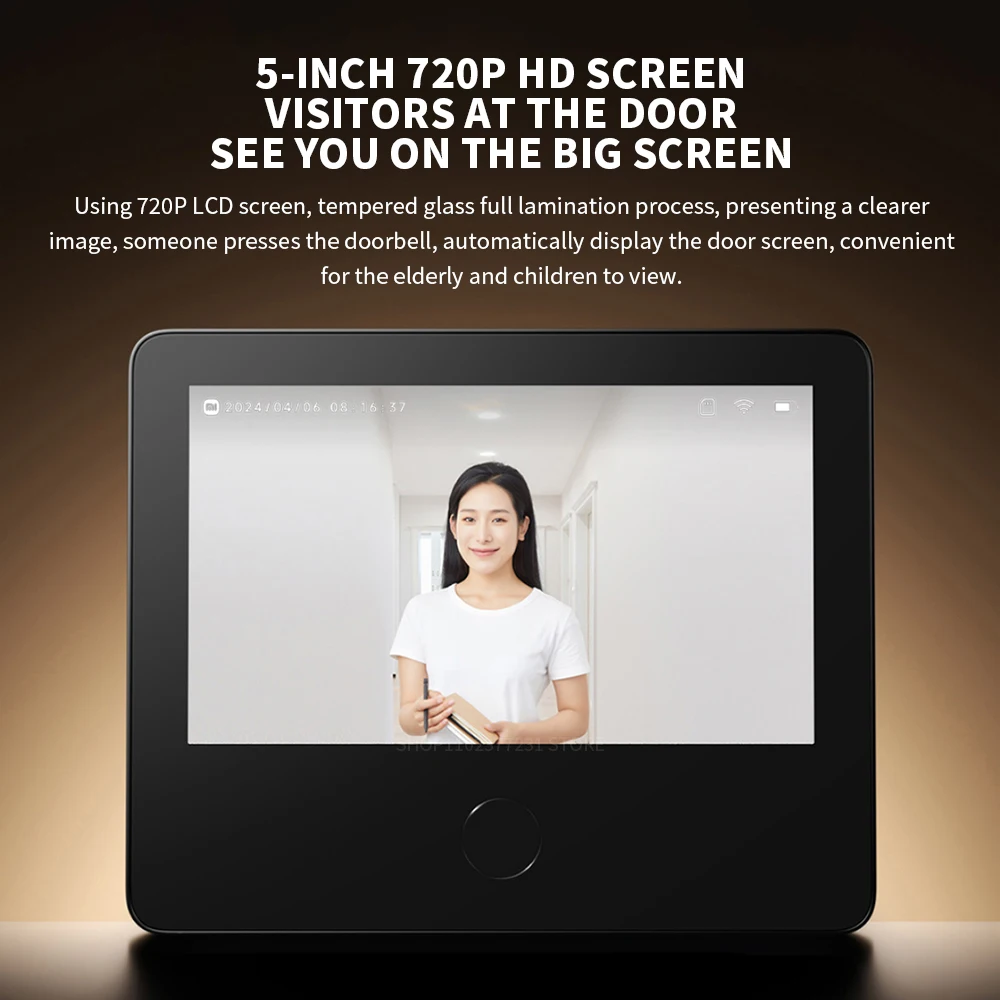 8000mAh large capacity battery
Ultra-long battery life, embedded operating system, and 8000mAh large-capacity battery. Equipped with Type-C interface, charging is more convenient. Built-in dual PIR human body infrared sensor
Covering a wide 180° horizontal area, anyone coming outside the door will immediately trigger the recording. Three levels of detection sensitivity, which can be adjusted independently according to the actual situation. Two-way voice call
Initiate a video call through the Mi Home App. If you are alone at home, you can choose the voice change function to talk to visitors. It also supports quick replies such as "Please leave the express at the door", and you can also customize the voice reply content.
 1 REMOVE THE OLD CAT'S EYE
①Fix the original cat's eye on the outside of the door.
②Rotate the cat's eye inside the door and remove it as shown in the illustration.
Tip:As shown in the figure below, select the appropriate length of screws according to the thickness of the door.
2.INSTALLATION OF CAT-EYE CAMERA
①Select the appropriate screws according to the thickness of the door panel, screw the
screws into the screw holes of the cat's eye camera about 5mm, and tear off the protective paper on the back of the camera adhesive sticker.
② Put the screws and wires through the door panel, make sure the cat-eye camera is square and the doorbell button is underneath, and stick the camera on the door.
 3、INSTALLATION OF THE CARD HOLDER
①Remove the card holder from the cat's eye display, and then remove the wire shield on the card holder.
②Push the cable connector into the buckle at the bottom of the card holder, and then put the screws on the cat's eye camera through the screw holes on the card holder.
4、FIXED CARD HOLDER
① Adjust the card holder so that the screw is stuck at the top of the screw hole, concentrate the remaining part of the screw, and fix the card holder.
②Organize the wiring and replace the cable shield.
5、INSTALLING THE CAT'S EYE DISPLAY
① Align the slide on the card holder and slide the cat's eye display into the card holder from top to bottom, making sure that the clips on the card holder are fully embedded in the bottom of the cat's eye display.
② lf you need to remove the cat's eye display, push the display upward from the bottom of the mount.

 Packing list
Cat’s eye display×1
Card holder (including shielding plate) ×1
Cat eye camera ×1
Charging cable ×1
Instruction Manual×1
M3×20 screw×2
M3 ×40 screw ×2
M3×60 screw×2
M3 × 80 screw × 2
Screwdriver ×1

You may also be interested in...