

3/4 Channels 360° DashCam WIFI Video Recorder 1080P
X267-3CAM-WIFI / 32GB
$ 2,036.38
Skip to product information







3/4 Channels 360° DashCam WIFI Video Recorder 1080P
$ 2,036.38
🚚 FREE SHIPPING
🚚 Estimated delivery: 5–30 business days.
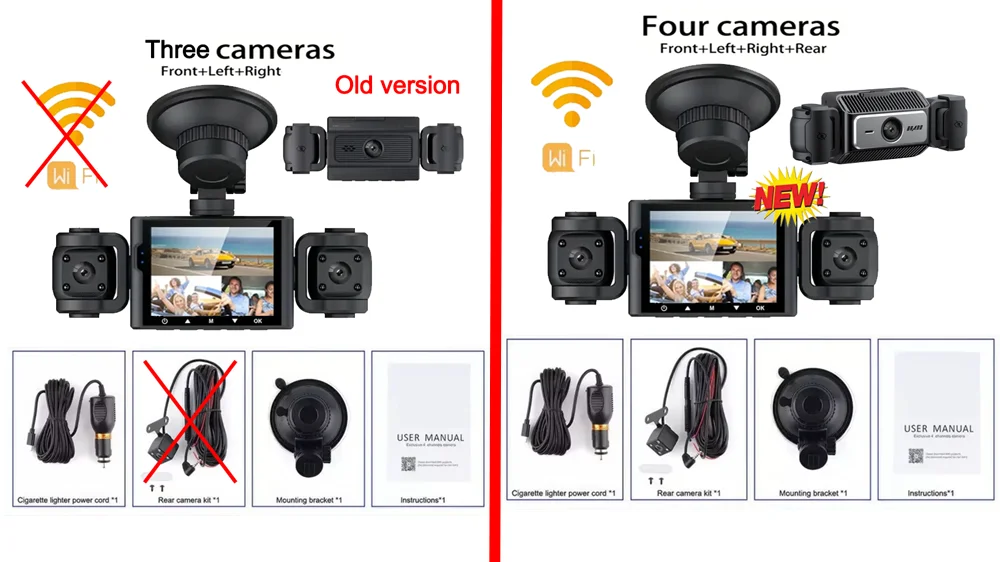
Please note that we have 2 models to choose from:
We can choose 3 or 4 lenses for this product, please purchase according to your needs when placing an order. The difference between 3 lenses and 4 lenses is that there is no rear camera in the package.
New option: new upgraded WIFI version (optional), the front lens of the WiFi model is metal. Buy this version, you can always use the mobile app to view the downloaded video, connect the recorder or share the videoeo at any time.
3/4 Channels Dash Cam for Cars WIFI APP Video Recorder 1080P Car Dvr Rear View Camera Parking Monitor Black Box Car Assecories
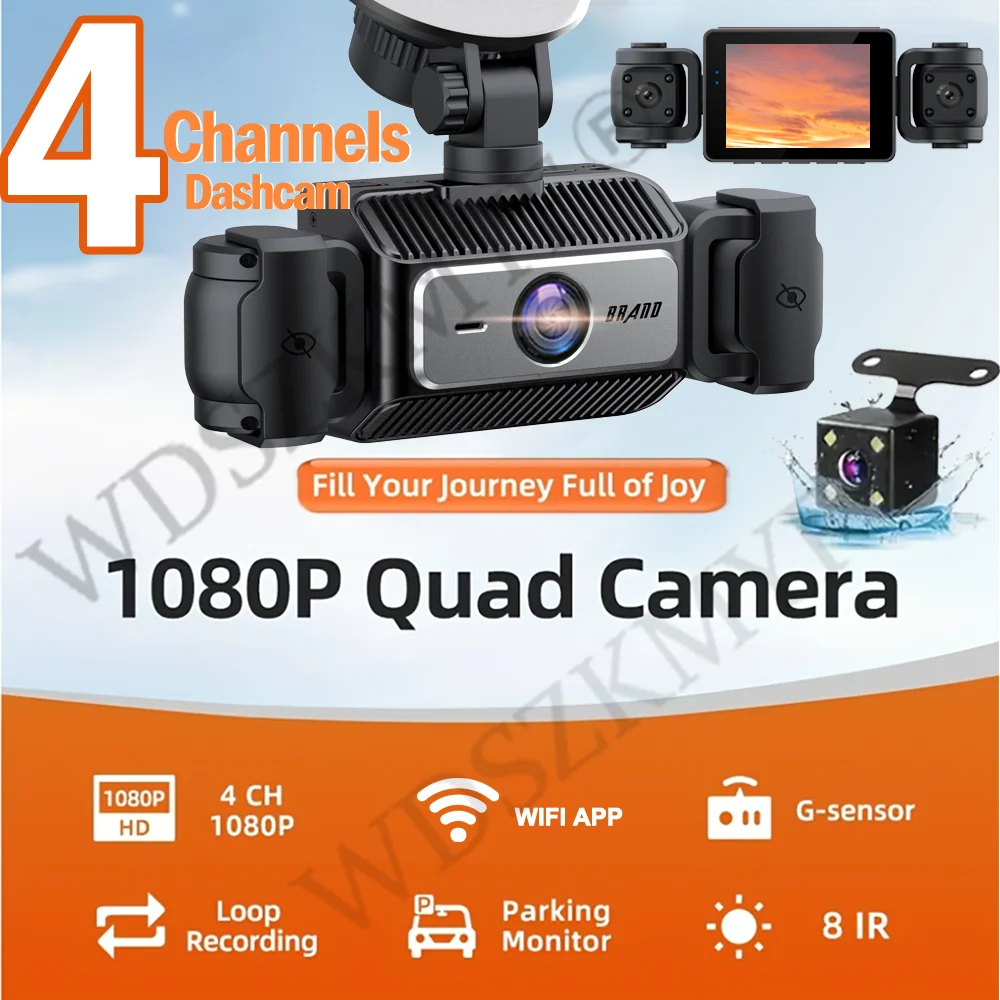
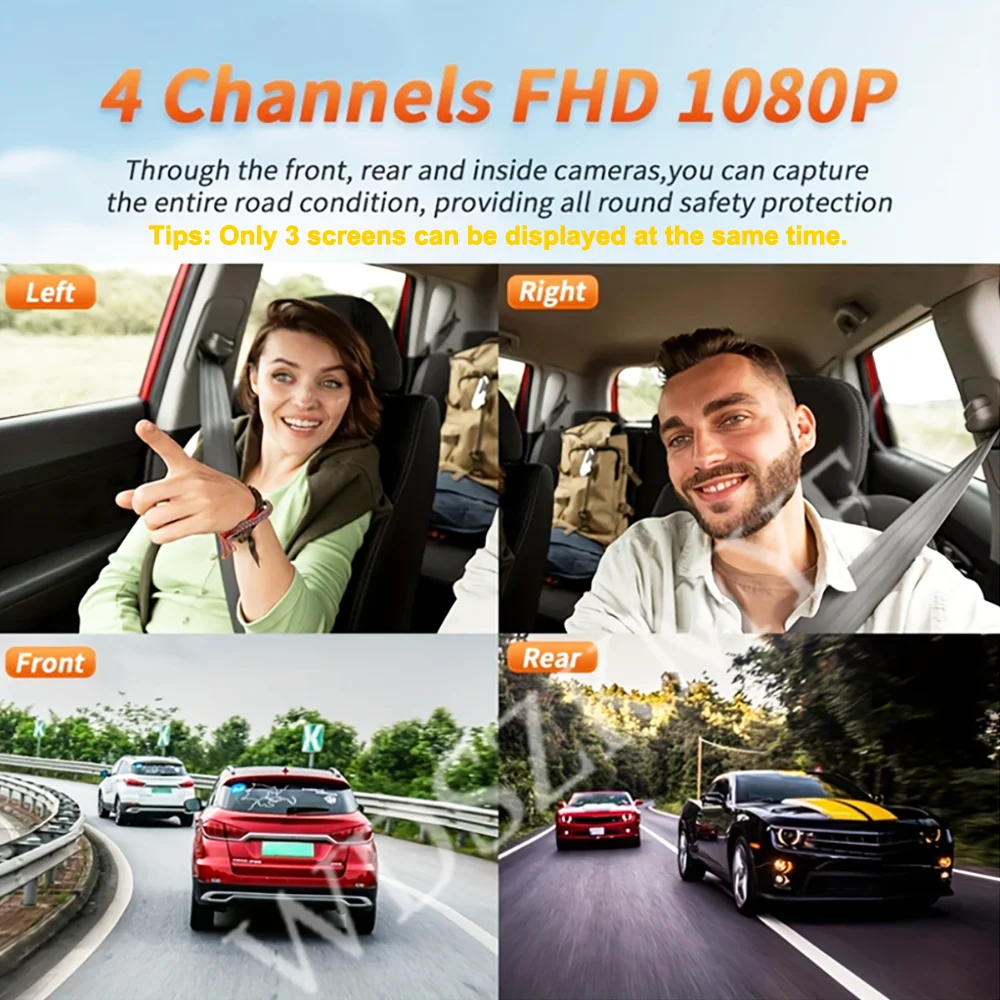
4 Channels 1080P Dash cam
ONLY Front Camera: 1080P;
Front &left and right Camera or rear Camera :1080P+720P+720P
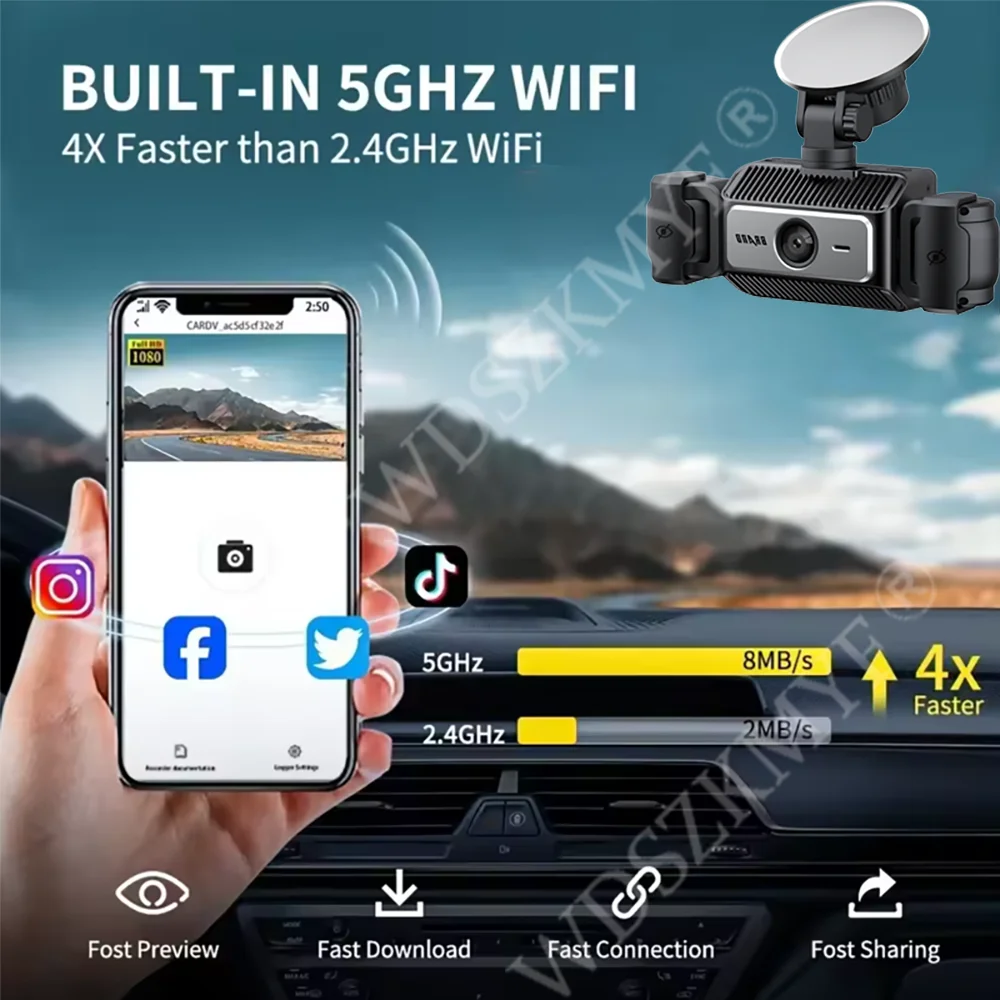
Built-in Wi-Fi
Allows you to control,view and download video on your smartphone APP
Super Night Vision
F2.0 aperture lens,330"wide angle,4 lR lightsand WDR technology, Dual channel dash camera peocides supernight version even in dark stiuation.
360 ° LENS ROTATION
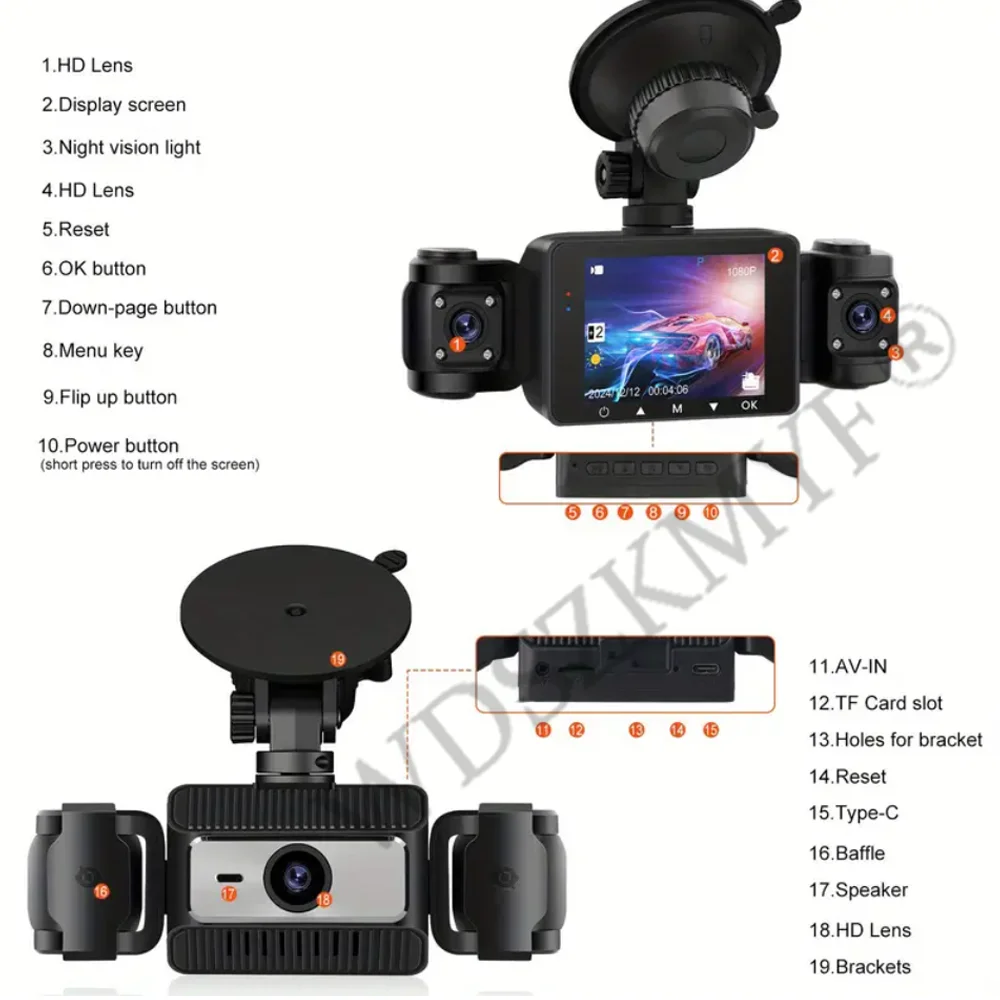
3Inch Camera 360° interior rotatable lens, with no dead angles inside and outside the car, providing panoramic view.
Reverse image (Optional)
When hanging in the "R" gear, the screen will automatically switch Reverse image, and the accurate inverted auxiliary line provides you with better parking prediction.
24-Hour Parking Monitoring
Friendly reminder: parking monitoring needs to be configured with a special buck cable for use, otherwise 24-hour monitoring is not possible
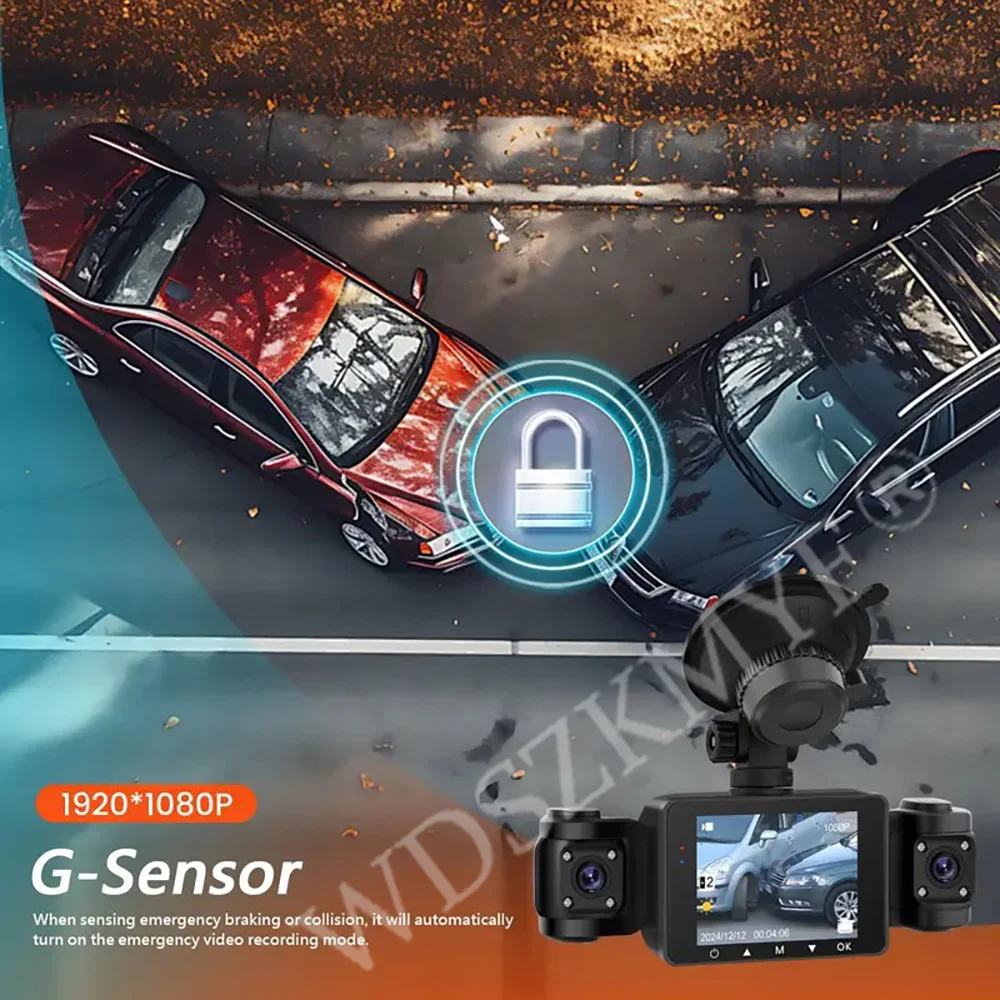
Built-in G-sensor
When your car is subjected to an impact or other emergency,the G sensor is triggered, so that the recorder immediately records and locks the video.
Loop- Cycle Recording
When the TF card is full,it will automatically delete former video and keep recording all the time
Product details
Installation Diagram
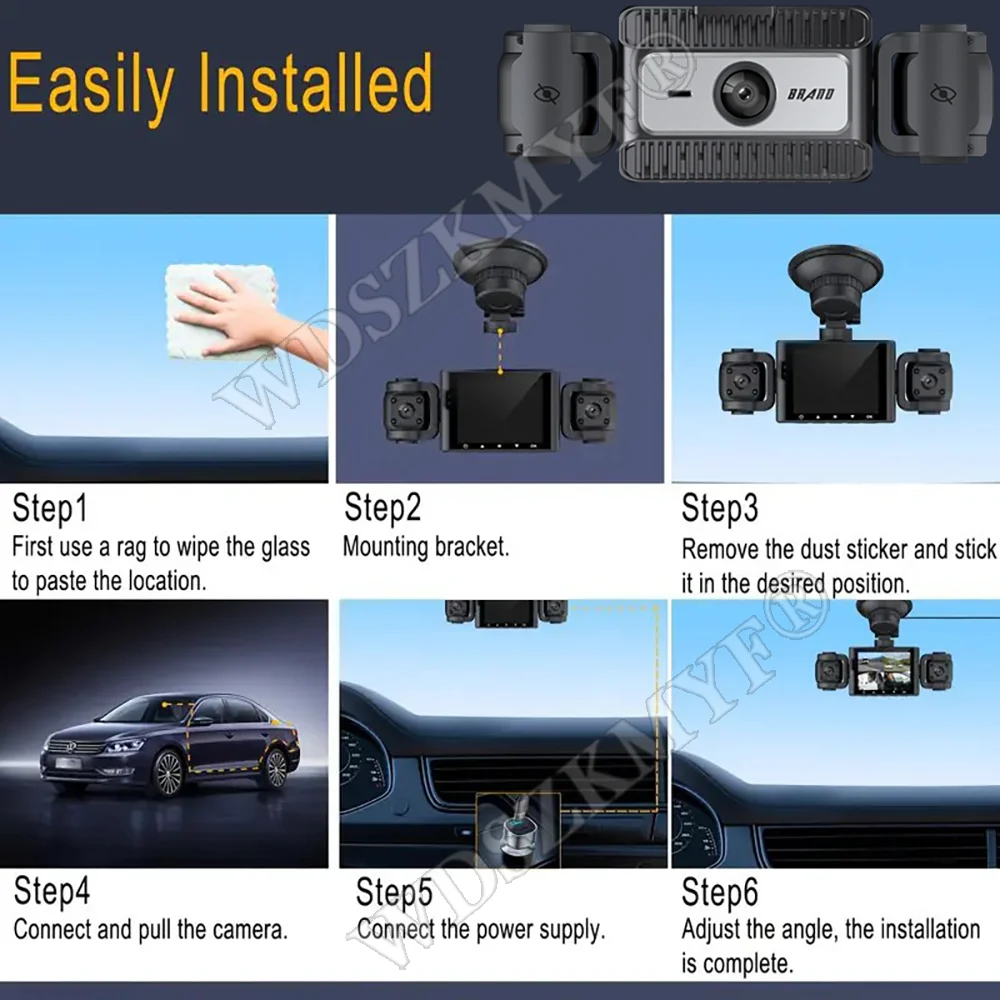
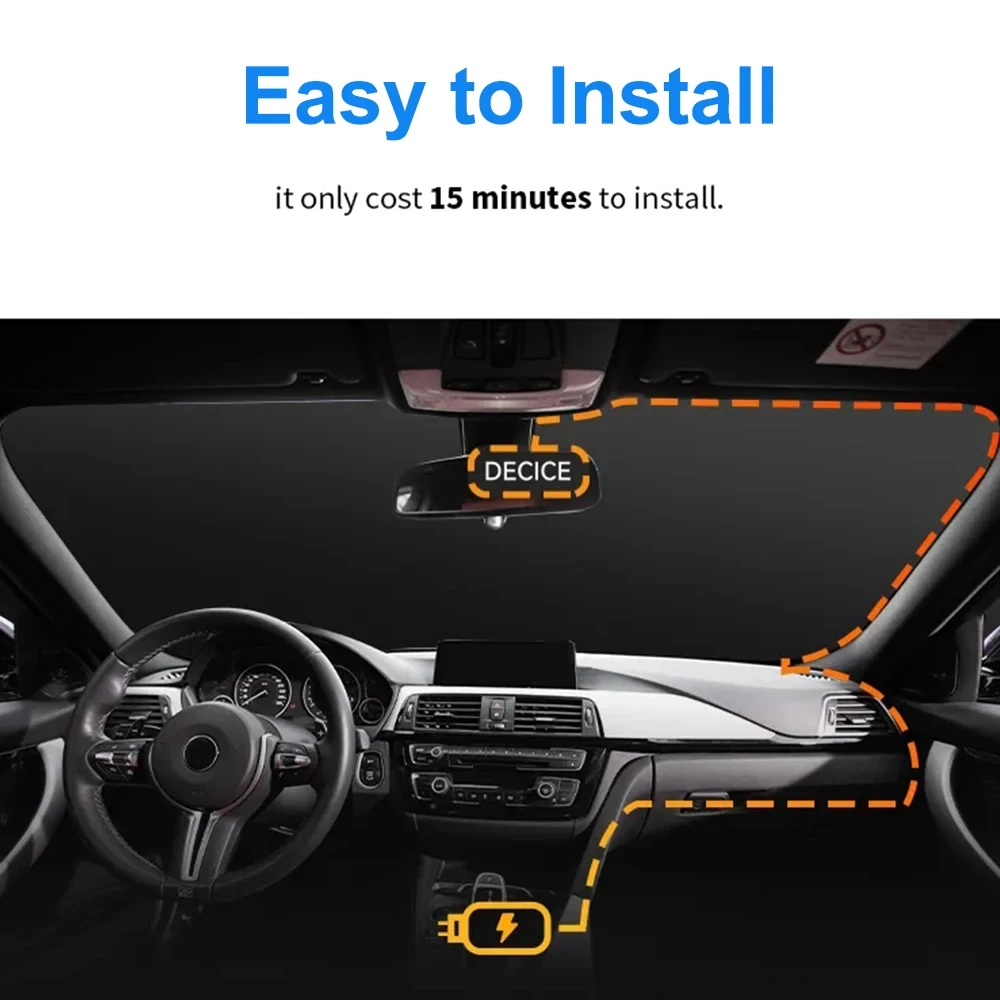
1.Secure the recorder to the windshield of the vehicle , recommended near the rearview mirror area
2.Hide the power cord in the window gap along the red line in the figure above
3.Insert the car charge wire into the cigarette lighter, connect the power supply, and complete the installation
NOTE:The first time you use the memory card, please be sure to format the operation (M-Format-OK-Format complete).
You may also be interested in...