

Monitor UPERFECT 18.4 inch 4K QLED
EU Plug / United Kingdom
$ 4,972.88
Skip to product information





Monitor UPERFECT 18.4 inch 4K QLED
$ 4,972.88
UPERFECT 18 Inch QLED Large Gaming Monitor
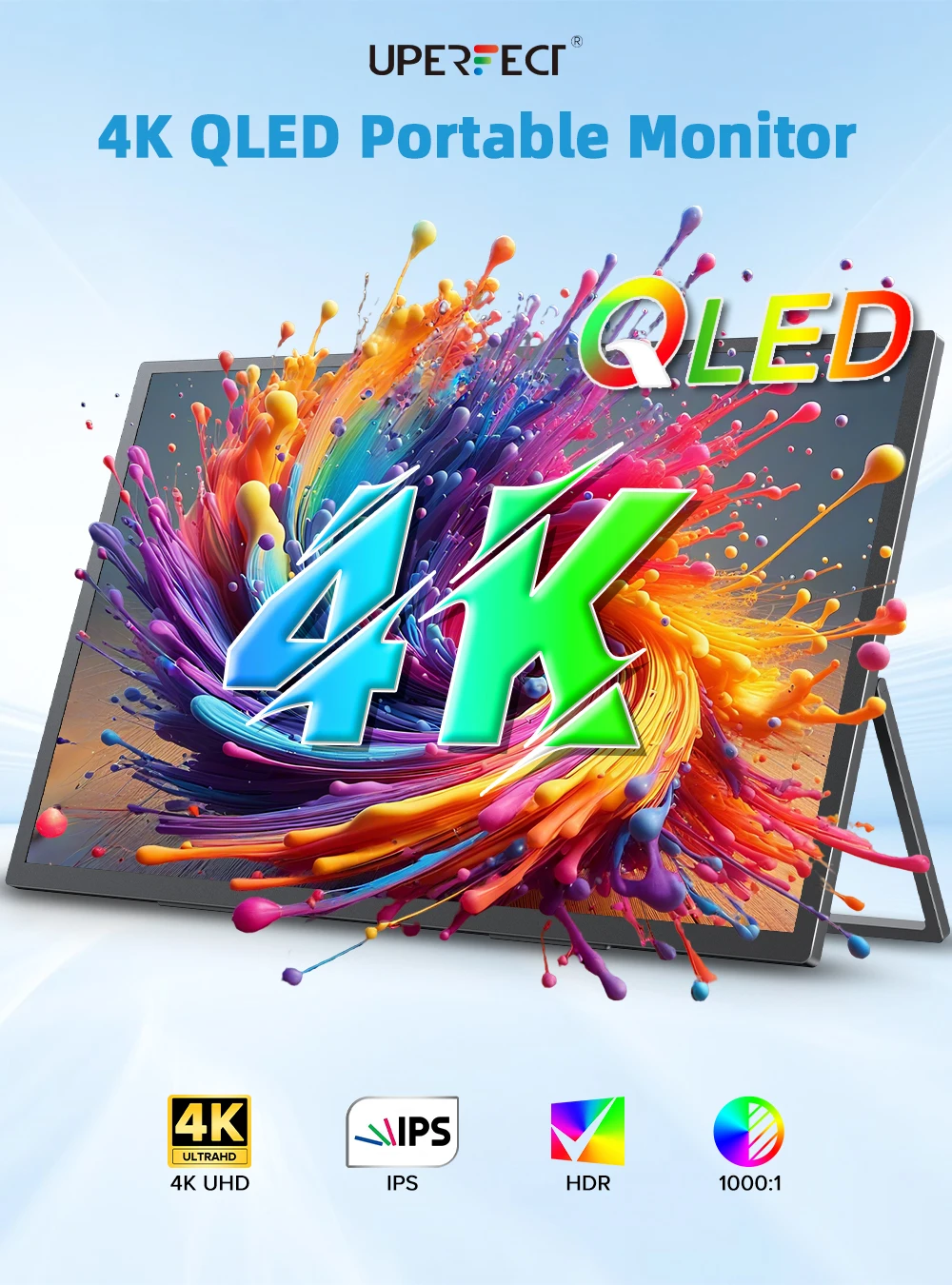
4K QLED Self-illuminating Display
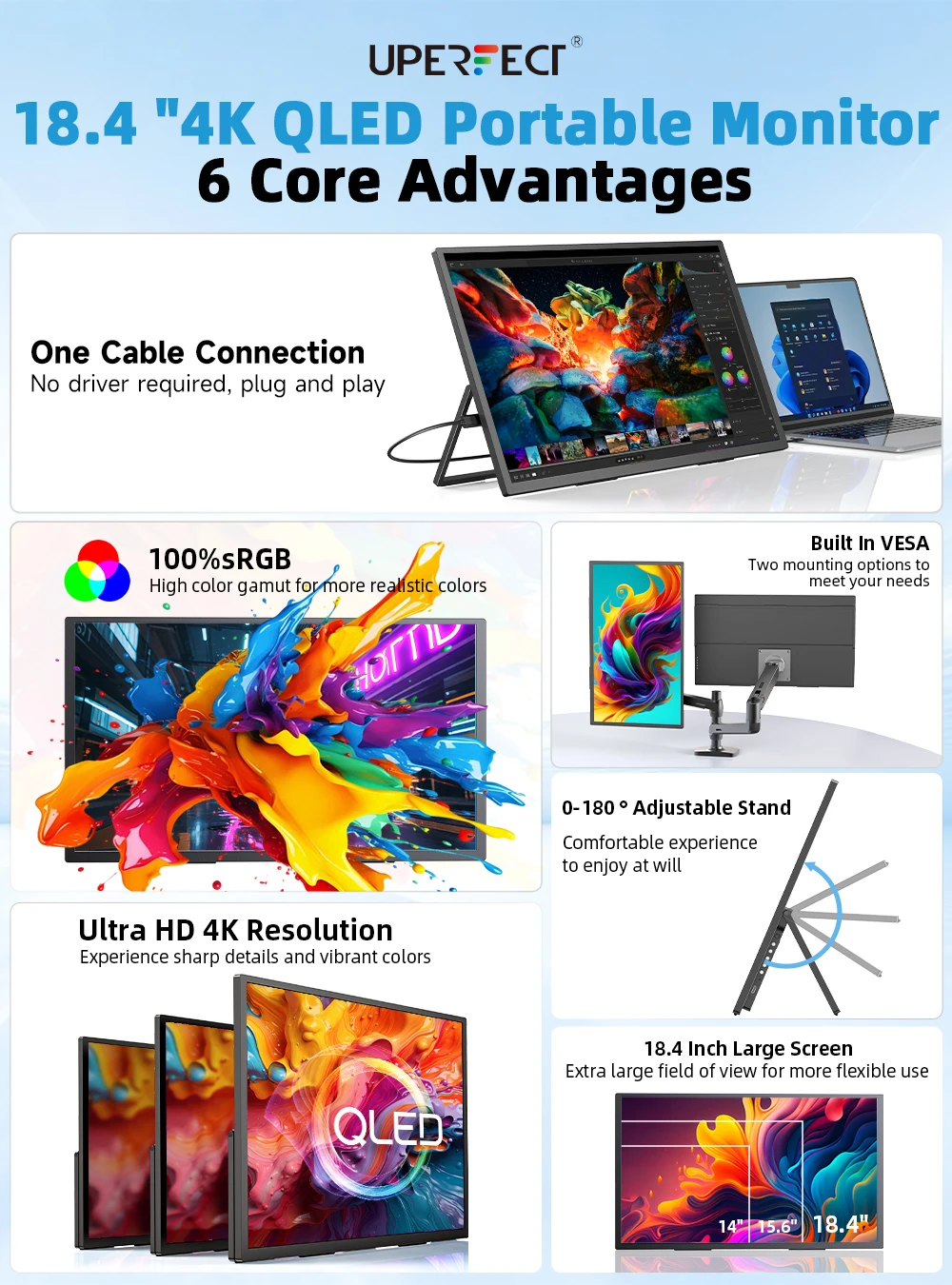
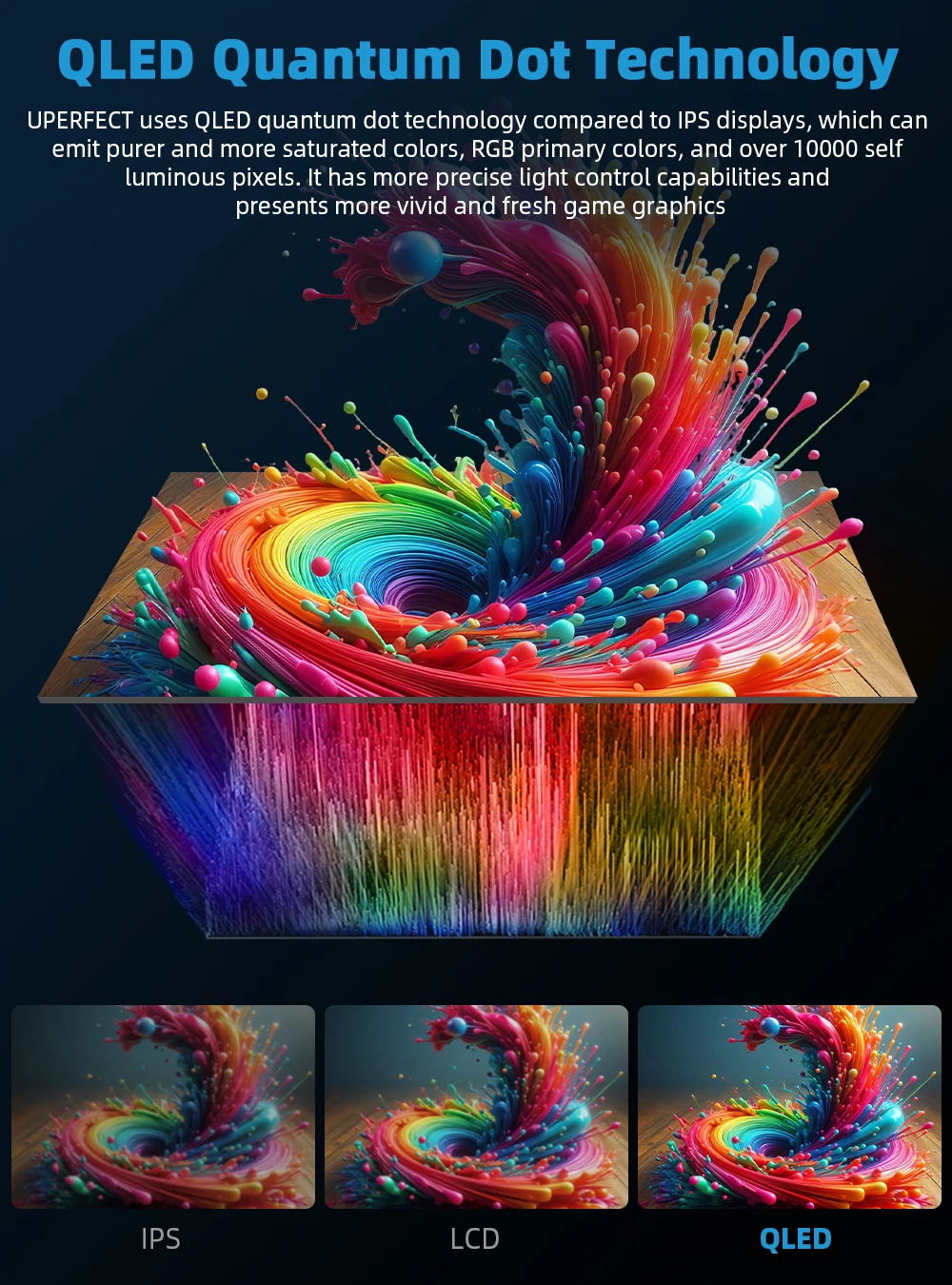
With the UPERFECT 18.4" 4K portable monitor, you can enjoy stunning 4K resolution and QLED display technology. Thanks to the use of new self-luminous materials, it doesn't require backlighting like traditional LCDs. Each pixel on the screen emits light independently, allowing for a more delicate, precise, and detailed image, with rich colors and much more defined light and shadow levels.
Large 18.4" Portable Monitor
The 18.4" 4K portable monitor offers more viewing space compared to 15.6" and 17.3" models. Weighing only 2.2 lb and with a thickness of 0.23 inches, this portable display easily slips into any backpack or briefcase, making it ideal for offices, cafes, travel, or home setups.
Its ultralight and ultra-thin design ensures impeccable portability without sacrificing screen size or performance.
Matte Screen 100% sRGB · Eye-friendly
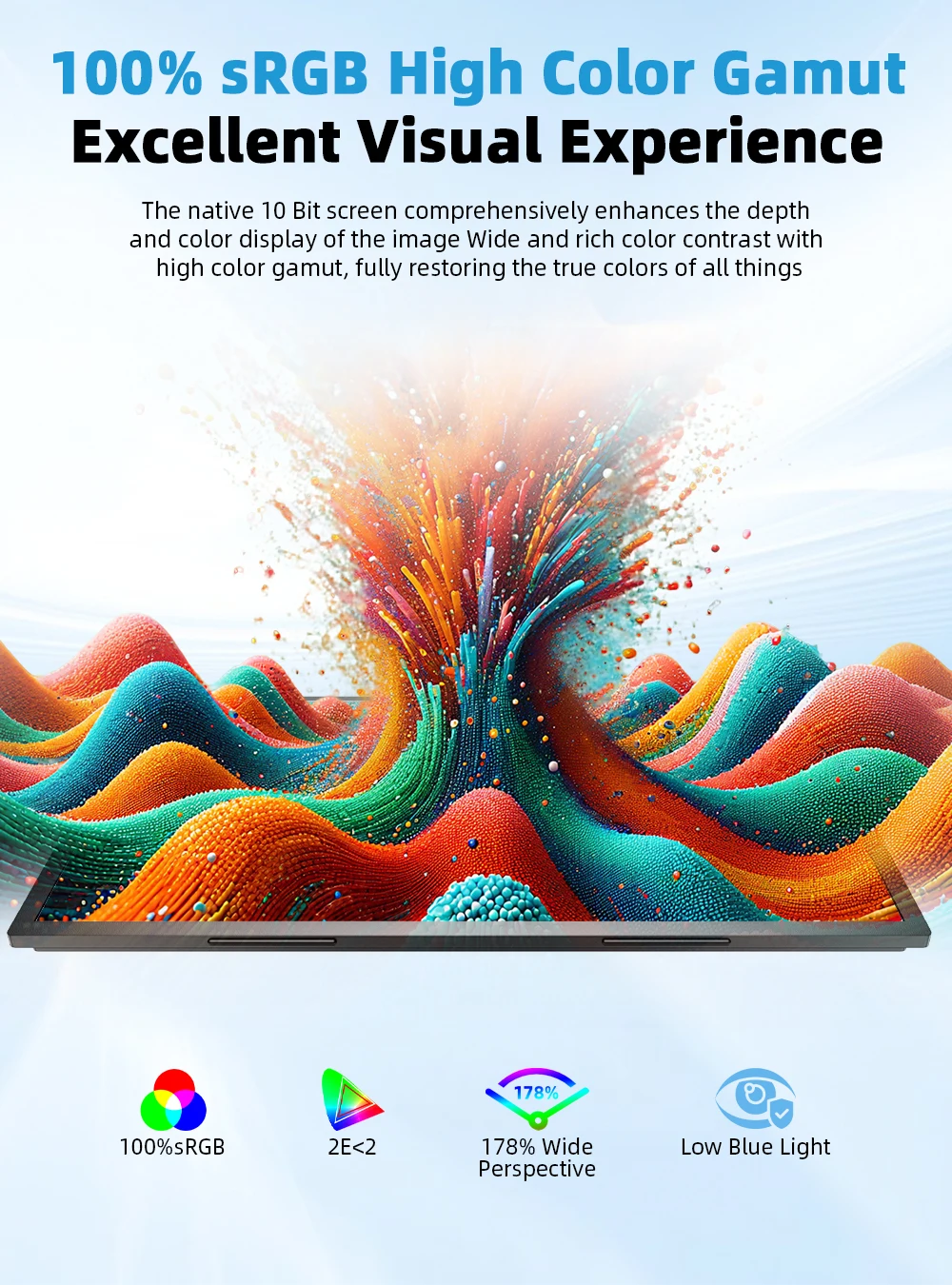
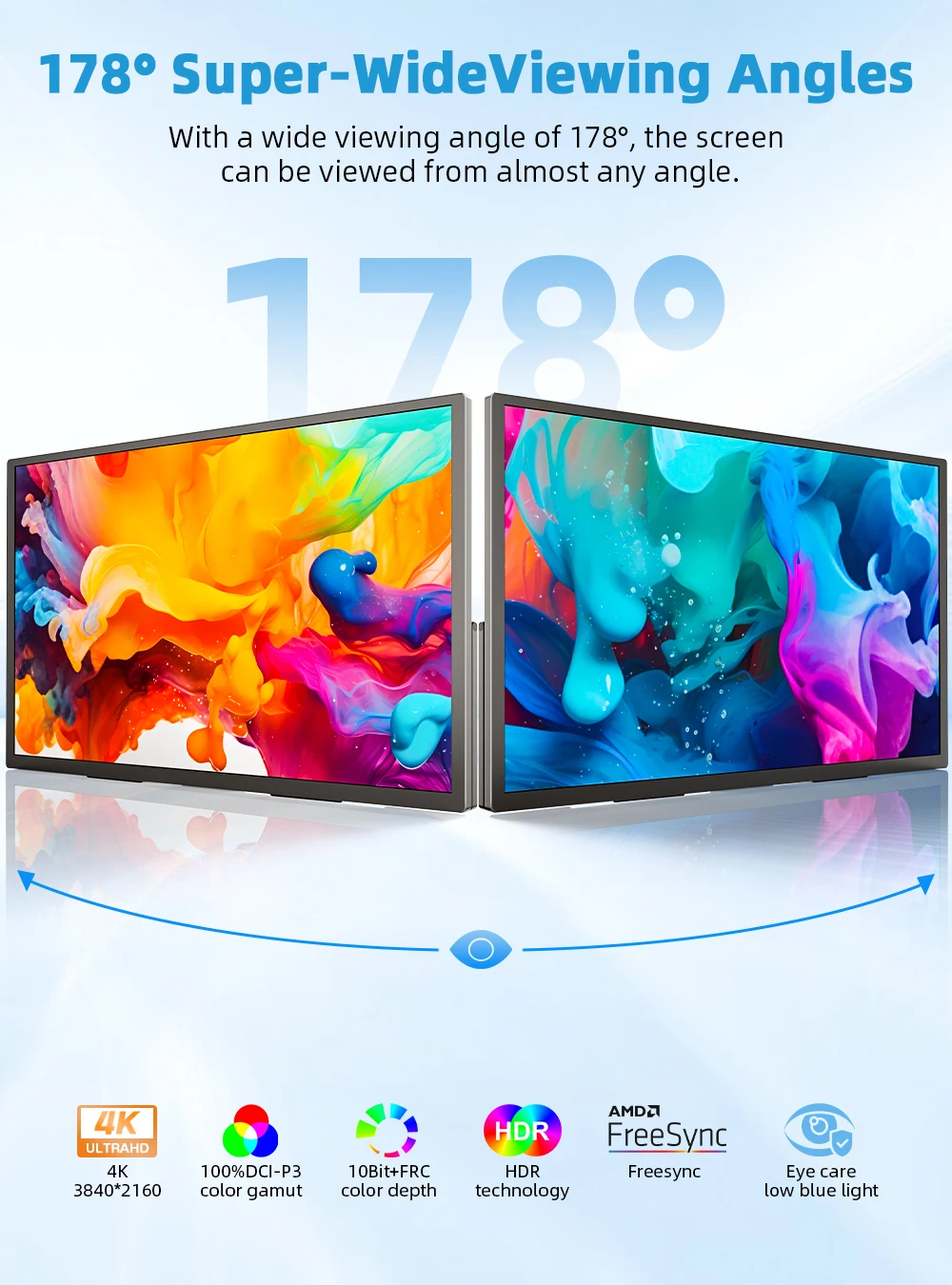
The 18.4" 4K portable monitor delivers more vivid and accurate colors thanks to its impressive 3840 × 2160 resolution. With 10-bit color depth, a 1000:1 contrast ratio, 100% sRGB coverage, and a 170° IPS panel, it provides detailed and realistic image quality, ideal for work, gaming, or video streaming.
The HDR mode enhances color accuracy and brings more vibrant tones, while the matte screen and eye care technologies ensure a comfortable experience even during prolonged sessions.
Wide Connectivity
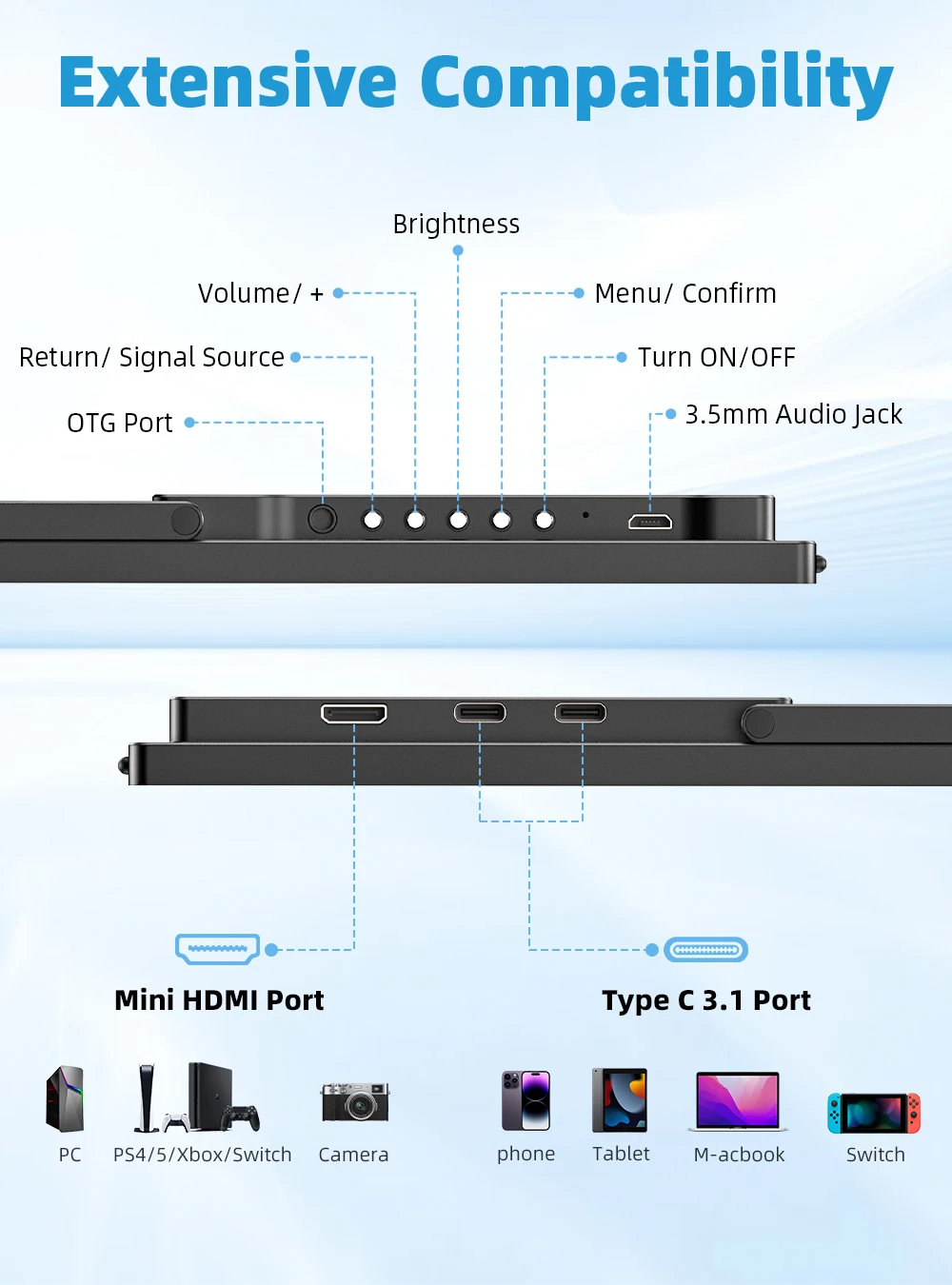
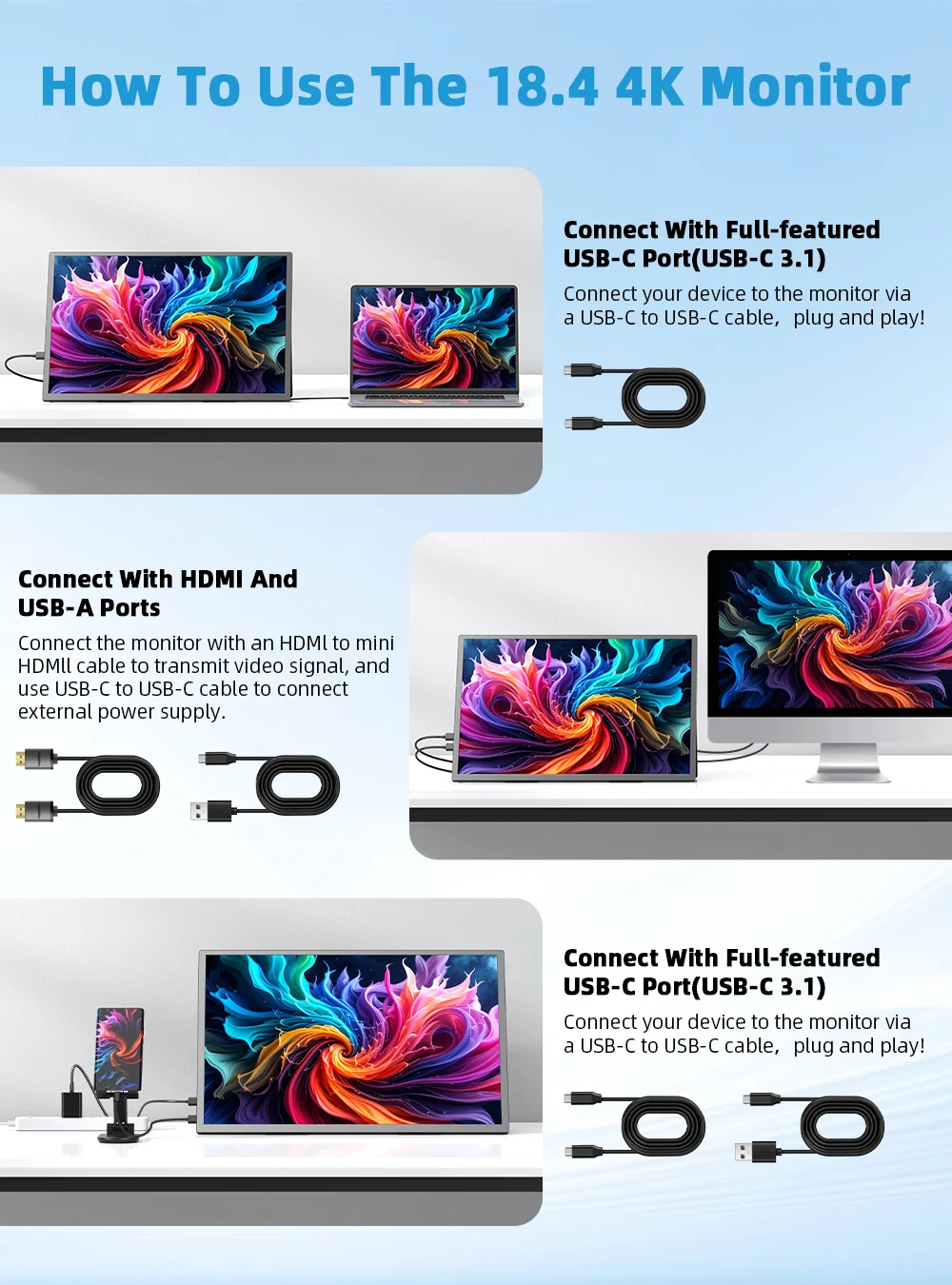
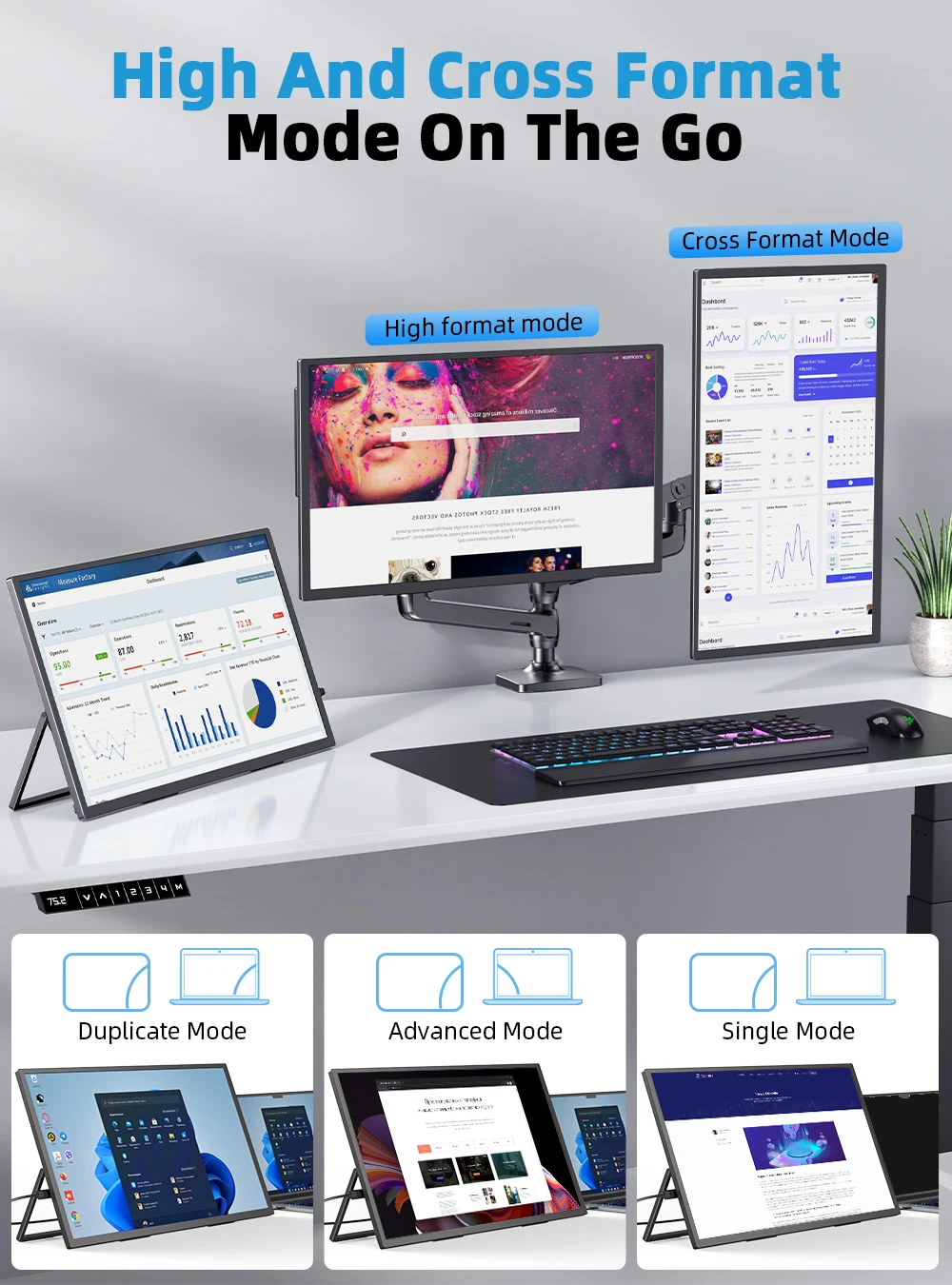
This portable display features 2 full-function USB-C ports and 1 mini HDMI port, making it compatible with a wide range of devices: laptops, desktops, MacBooks, tablets, phones, and gaming consoles like PS5, PS4, Xbox, and Nintendo Switch.
Easily connect your devices and enjoy a fluid, versatile, and hassle-free visual experience.
Universal Portable Monitor for Laptop
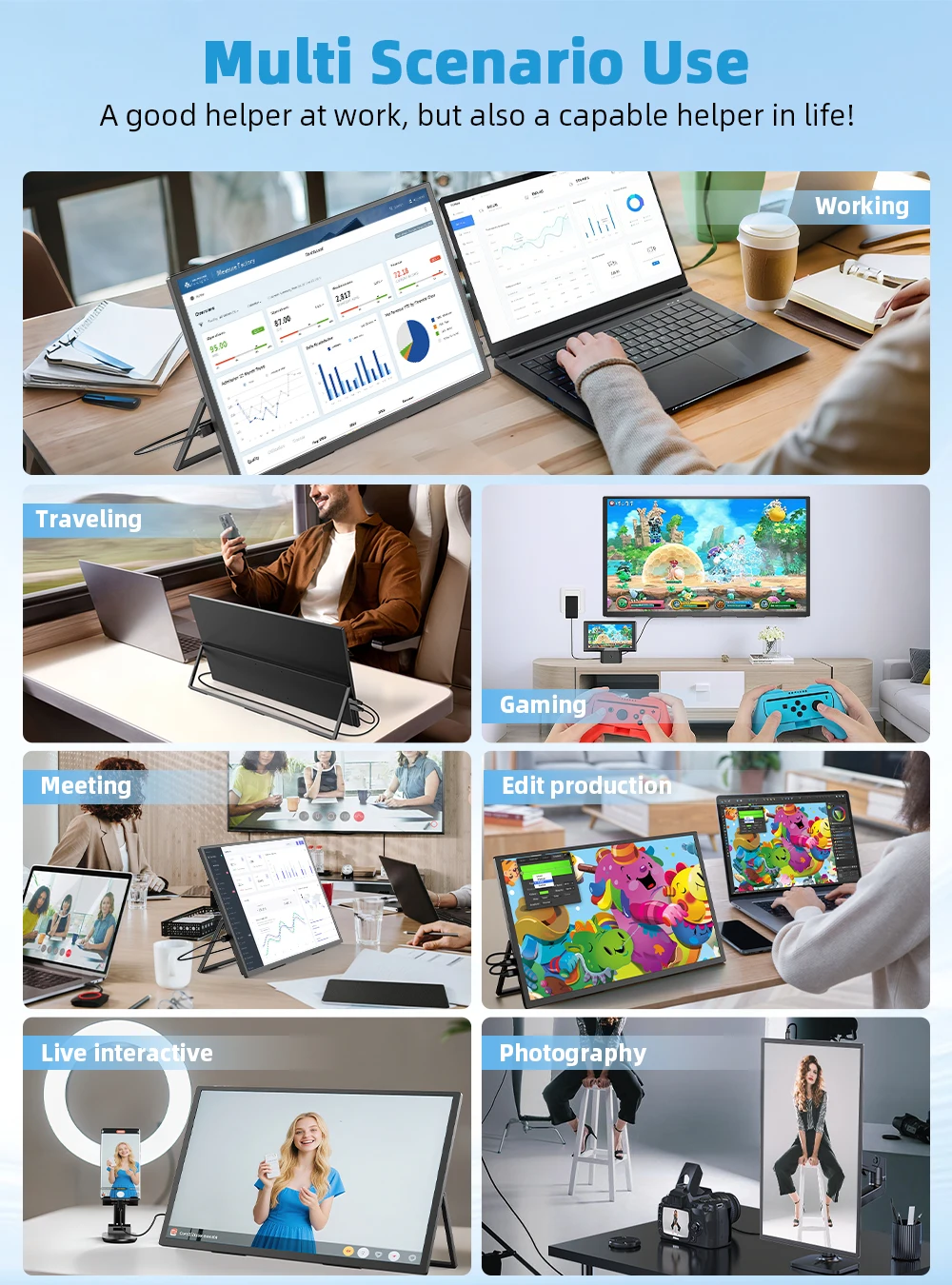
Perfect for professionals on the go, it combines convenience with high-level functionality. Whether you travel for work or need an additional screen for your home office, this portable display allows you to stay productive and connected wherever you are.
180° Adjustable Stand & VESA Compatibility
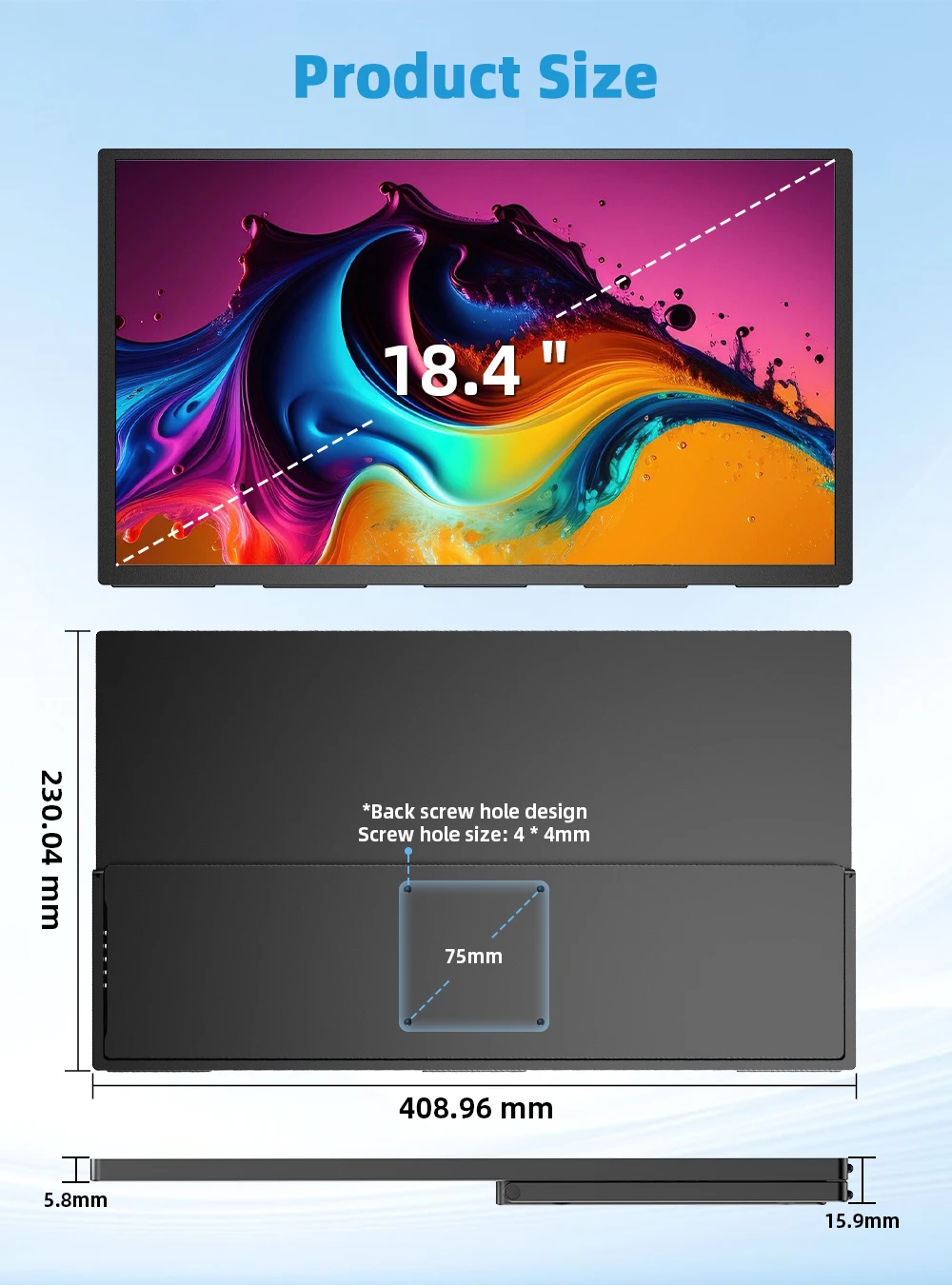
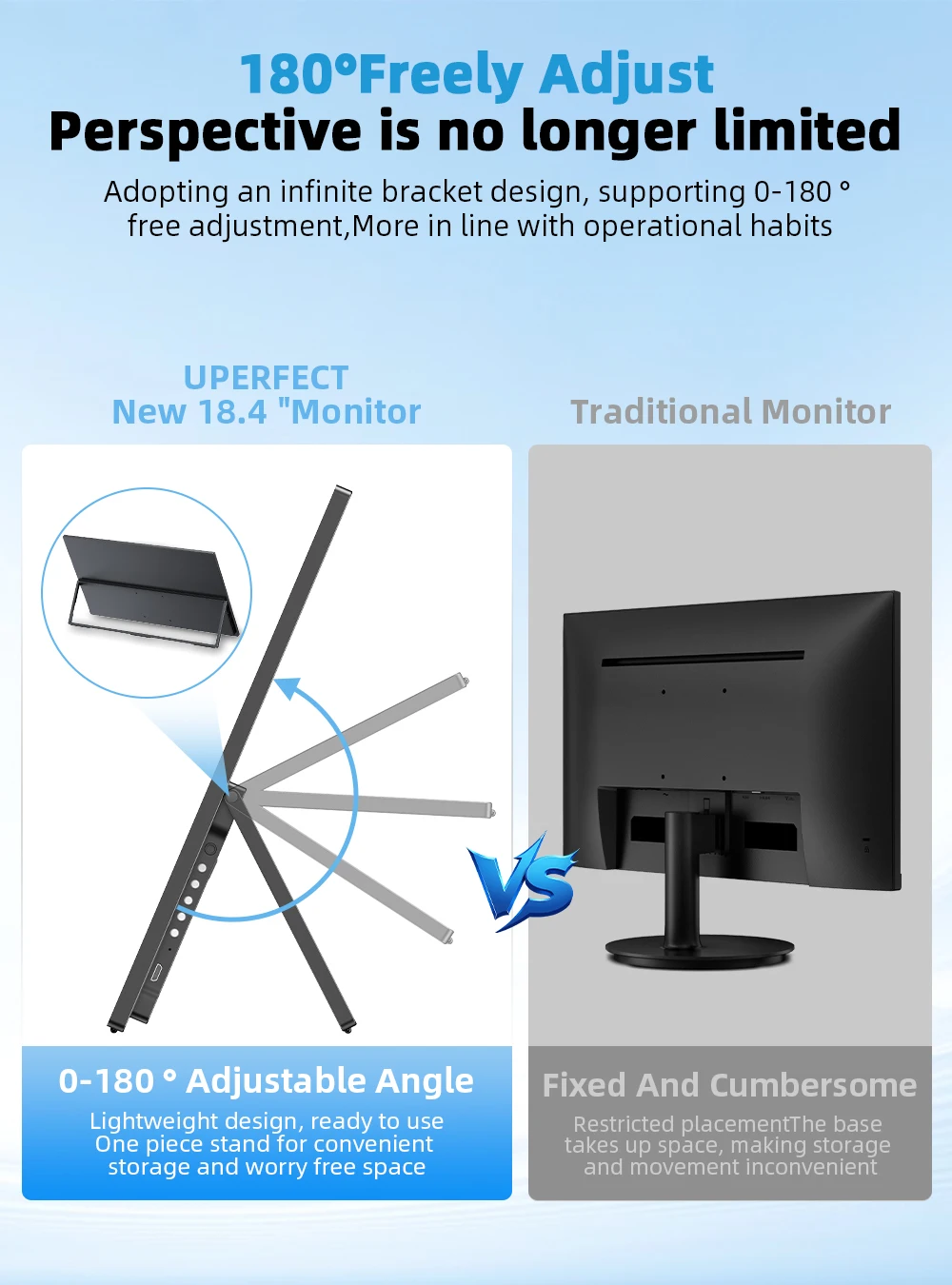
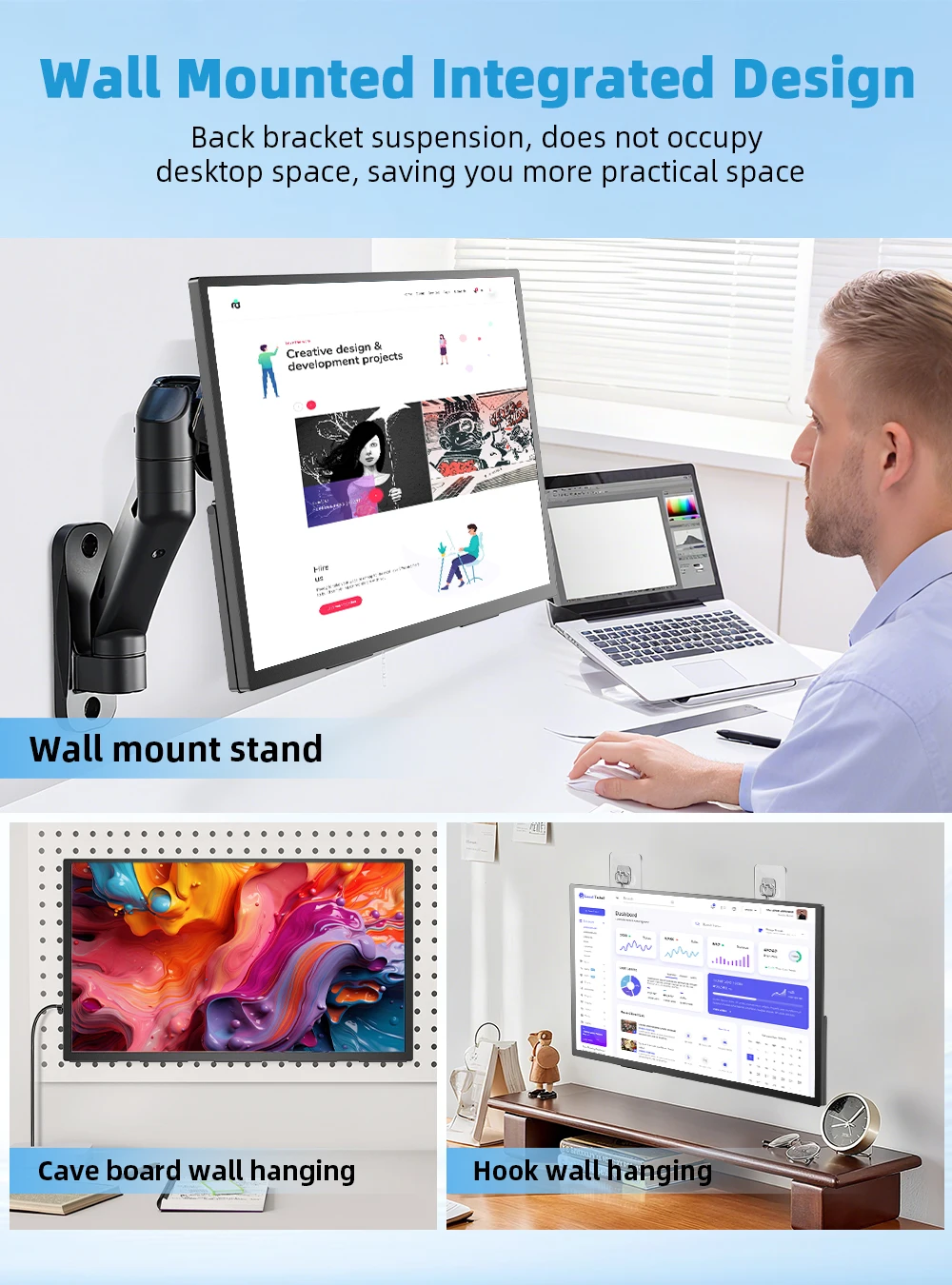
The 180° adjustable stand allows you to position the monitor at the perfect angle for maximum comfort during use. With standard 75 × 75 mm VESA holes, you can mount it on the wall or on a floor stand as needed, customizing your workspace or entertainment area to boost your productivity.
Boost Your Work Efficiency
The large 18.5-inch screen offers ample viewing space for spreadsheets, presentations, and multitasking, helping you work faster and more comfortably.
Specifications
Screen size: 18.4 inches
Resolution: 3840 × 2160 (4K)
Refresh rate: 60 Hz
Aspect ratio: 16:9
Viewing angle: 178°
Panel type: IPS
Contrast ratio: 1000:1
Brightness: 300 cd/m²
Color gamut: 120% sRGB
Color depth: 1.07B (10 bits)
Rated power: 14 W
Material: Aluminum alloy
HDR: Yes
FreeSync: Yes
VESA: 75 × 75 mm (M4 × 4 mm)
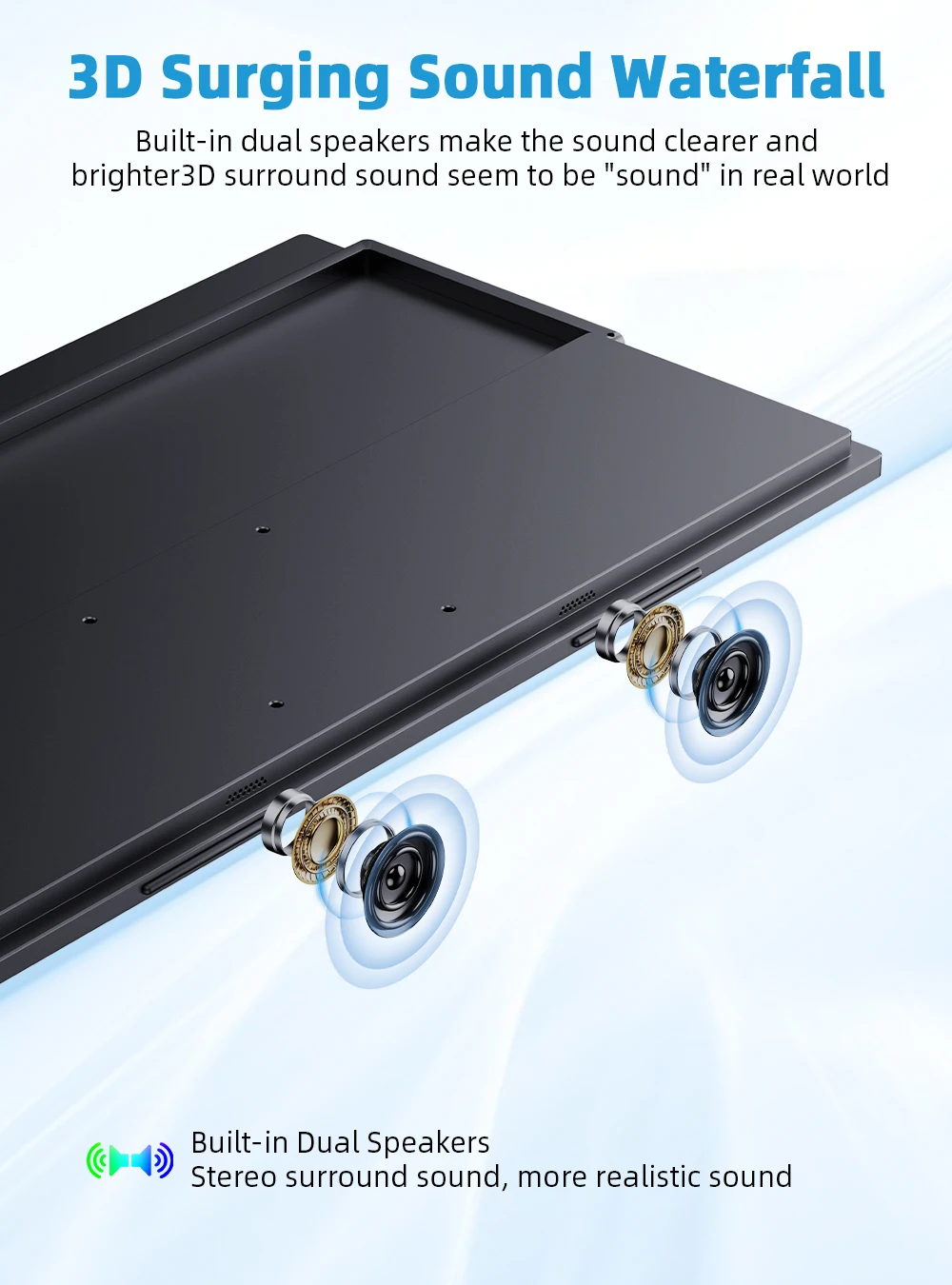
Built-in speakers: 2 × 8 Ω 1 W
Product Dimensions
-
430 × 263 × 15 mm
-
(16.93 × 10.35 × 0.59 inches)
-
Weight: 1.53 kg (3.38 lb)
Interface
-
1 × Mini HDMI (signal source)
-
2 × Full-function USB-C (power + signal transmission)
-
1 × USB OTG (Micro USB-B) — data transfer, mouse/keyboard connection
-
1 × 3.5 mm audio jack
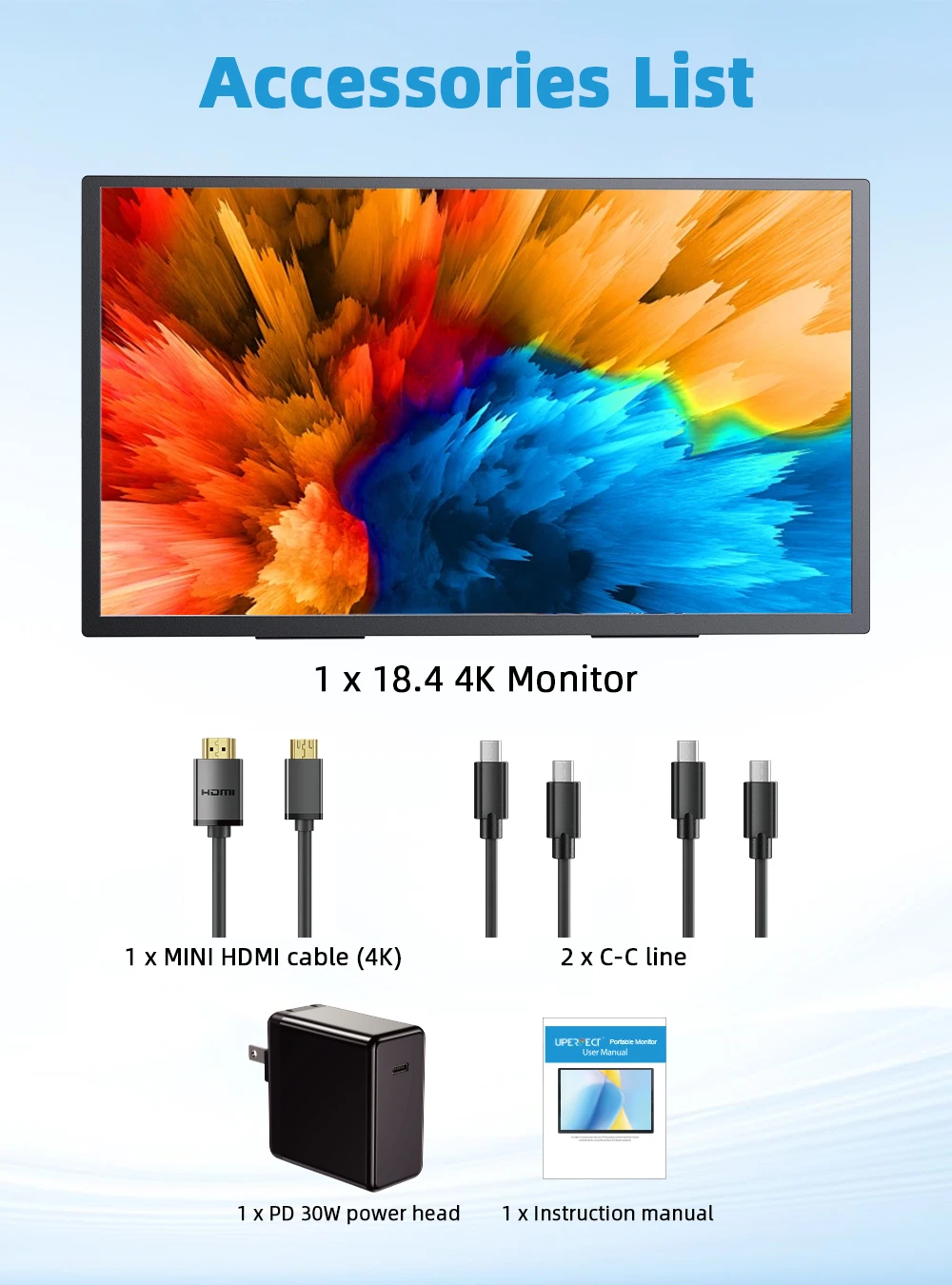
What's in the Box
-
1 × UPERFECT 18" 4K Monitor
-
1 × Mini HDMI to HDMI Cable
-
2 × USB-C to USB-C Cables
-
1 × Power Adapter
-
1 × Manual
Single USB-C Cable (Video + Power) Compatibility
USB 3.1-compatible Phones
Samsung: S8/S8+/S9/S9+/S10/S10+/S10e/S20/S20+/S20 Ultra/S21/S21+/S21 Ultra/S22/S22+/S22 Ultra, Note 8/9/10 Huawei: P50/40/30/20/10/9 series, Mate X/Xs/X2/40/30/20/10/9, Honor Note 10, Honor Magic V/3/Pro/Pro+/4/4 Pro/4 Ultimate Sony: Xperia 1/1 II/1 III/1 IV/5/5 II/5 III/10 III/Pro/Pro-I OnePlus: 7/7 Pro/8/8 Pro/9/9R/9 Pro OPPO: Find X3 Pro, Reno 10x Zoom, Reno 5G, R17 Pro LG: V60/V50/V40/V35/V30/V30+/V20 series, G8/G7/G6/G6+/G5, Q8 HTC: 10, U Ultra, U11/U11+/U12+/U19e, Exodus 1 ASUS: ROG Phone (all series), ZenFone 3 Ultra, AR, Ares Motorola: Edge+/Edge S, Moto G100, Edge 20 Pro/30 Pro, X30 Xiaomi: Black Shark 2/3/4 ZTE: Axon 9 Pro/10 Pro, Nubia Red Magic 6S Pro/7/7 Pro Others: BlackBerry Key2, BQ Aquaris X2, Essential Phone, Fairphone 4, Lenovo Legion Phone Duel/2 Pro, Nokia 9 PureView, Lumia 950/950 XL, HP Elite x3, Razer Phone/Phone 2
Note: If your device is not listed, use an iOS/Android to HDMI adapter.
Laptops with Thunderbolt 3 or USB 3.1 Compatible
Apple: MacBook Pro (2016+), MacBook Air (2018+) Huawei: MateBook D/X/X Pro/E/13, MagicBook ASUS: ZenBook, U4100UN, U5100UQ, ROG Series HP: EliteBook Folio G1, Spectre 13, ZBook Studio Dell: G3/G5/G7, Inspiron 5000/7000, XPS 12/13/15 Lenovo: ThinkPad E580/T470/T470s/T480/T480s/X1 Carbon (2017–2019) MIUI: Air 12.5"/13.3", Pro 15.6", MI Game Notebook Google: Chromebook Pixel Razer: Blade Stealth (all versions) Microsoft: Surface Book 2 Others: Acer Swift 5, MSI GS60 6QE, Gigabyte Aero 15x/15 x9/15 y9
Note: If your laptop is not listed, use the Mini HDMI cable.
Frequently Asked Questions (FAQ)
Q: The monitor turns on but shows “NO SIGNAL” or “POWER SAVING”.
A:
-
Check that your phone or laptop supports USB 3.1 or Thunderbolt 3.
-
If it does not support it, you need an HDMI adapter.
-
Verify that the connection is correct and you are using the original cables.
-
Try with another device. If it fails, request a cable replacement.
Q: The monitor constantly restarts.
A:
-
The cause is insufficient power. Use the original cable and charger.
-
If using a power bank, it must be PD 30W or higher.
-
If it continues, try another device or request a cable replacement.
Q: The monitor flickers when using a USB-C to USB-C cable.
A: A 4K monitor requires more current. Connect the monitor's PD port to the power adapter and ensure it receives sufficient power.
Q: Why does it only show 1080p when it should be 4K?
A: To achieve 4K:
-
The device must support 4K.
-
The cable must be HDMI 2.0 or USB-C 3.1 compatible with 4K.
-
The monitor must be set to 3840 × 2160 @ 30 Hz if your equipment does not support 60 Hz.
Q: The monitor turns off when increasing brightness.
A: Increasing brightness increases power consumption. Connect it to an external power source.
Important Advice
If you encounter any issues, contact us before returning the product. We take responsibility and will help you resolve it. If the defect cannot be fixed, we will send you a replacement or a refund.
You may also be interested in...