

Headphones QCY Gaming Headset Heroad GT2 H5GMA
Grey / China Mainland
$ 1,544.99
Skip to product information

 Triple Mic with ENC Technology
 All-Day Battery Life


Headphones QCY Gaming Headset Heroad GT2 H5GMA
$ 1,544.99
Important Reminder
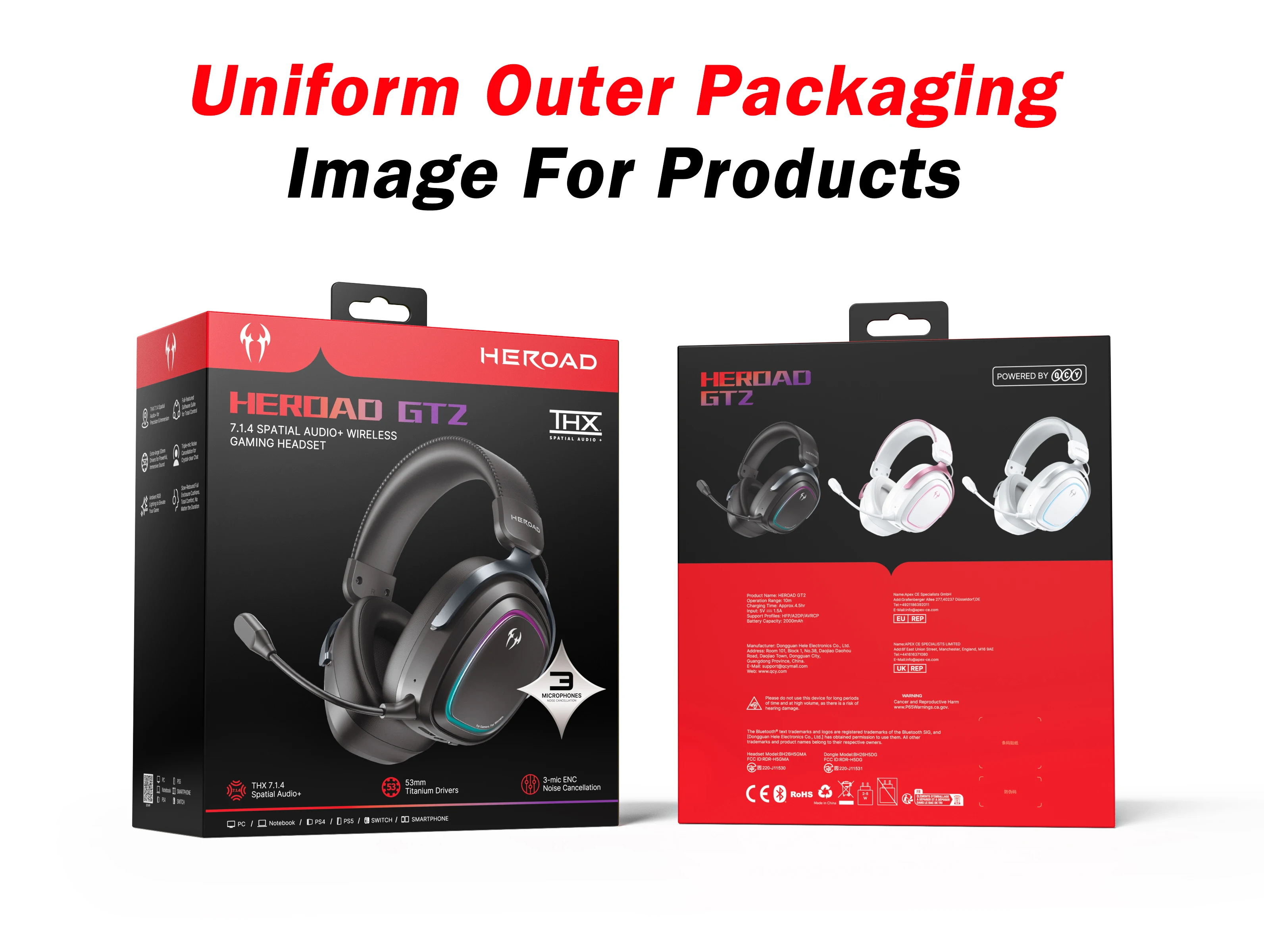
To be more eco-friendly and standardize packaging, all color variants share the same packaging. The color of the headset does correspond to the one you selected in your order, even if the box is the same for all versions.
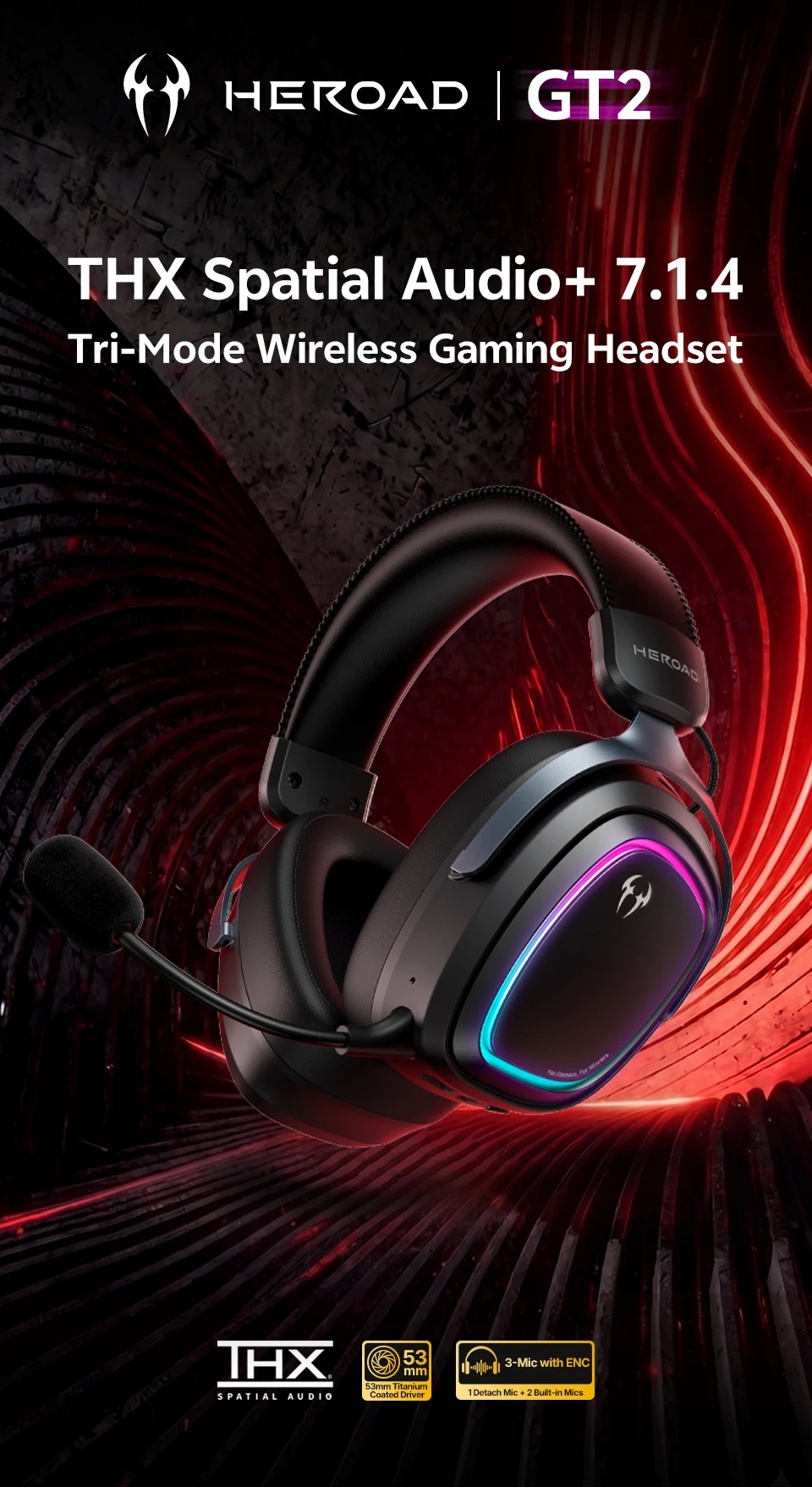
QCY Heroad GT2
Tri-Mode | THX Spatial Audio+ 7.1.4
Wireless Gaming Headset
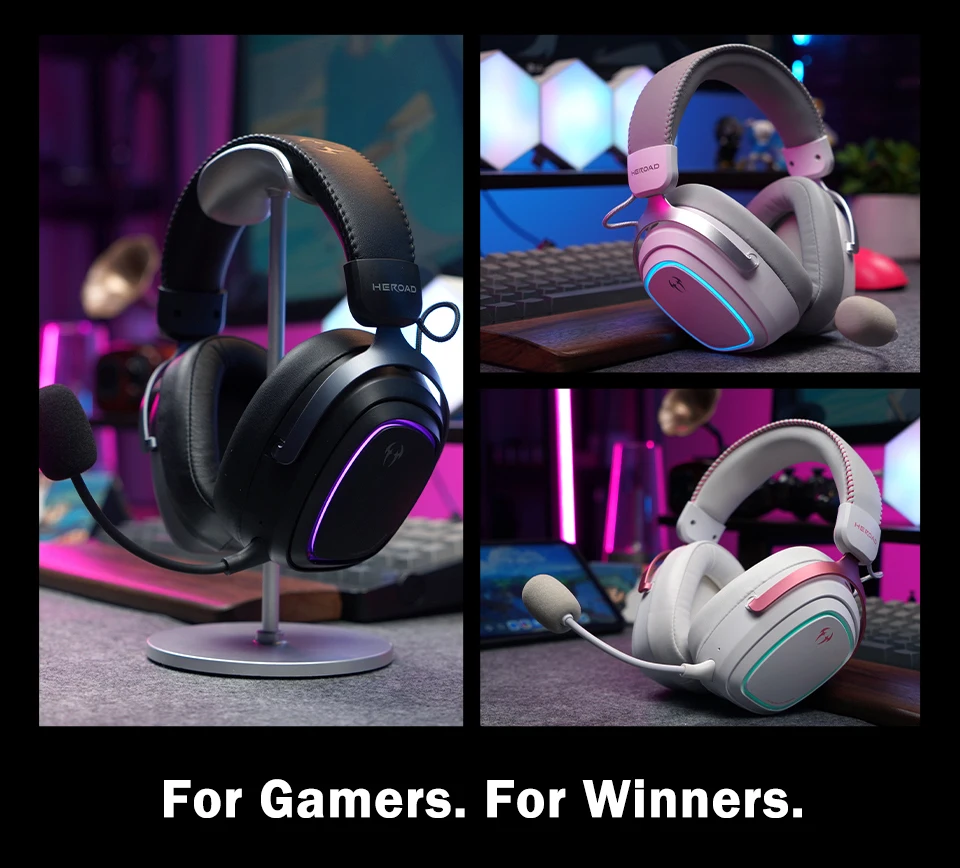
Features
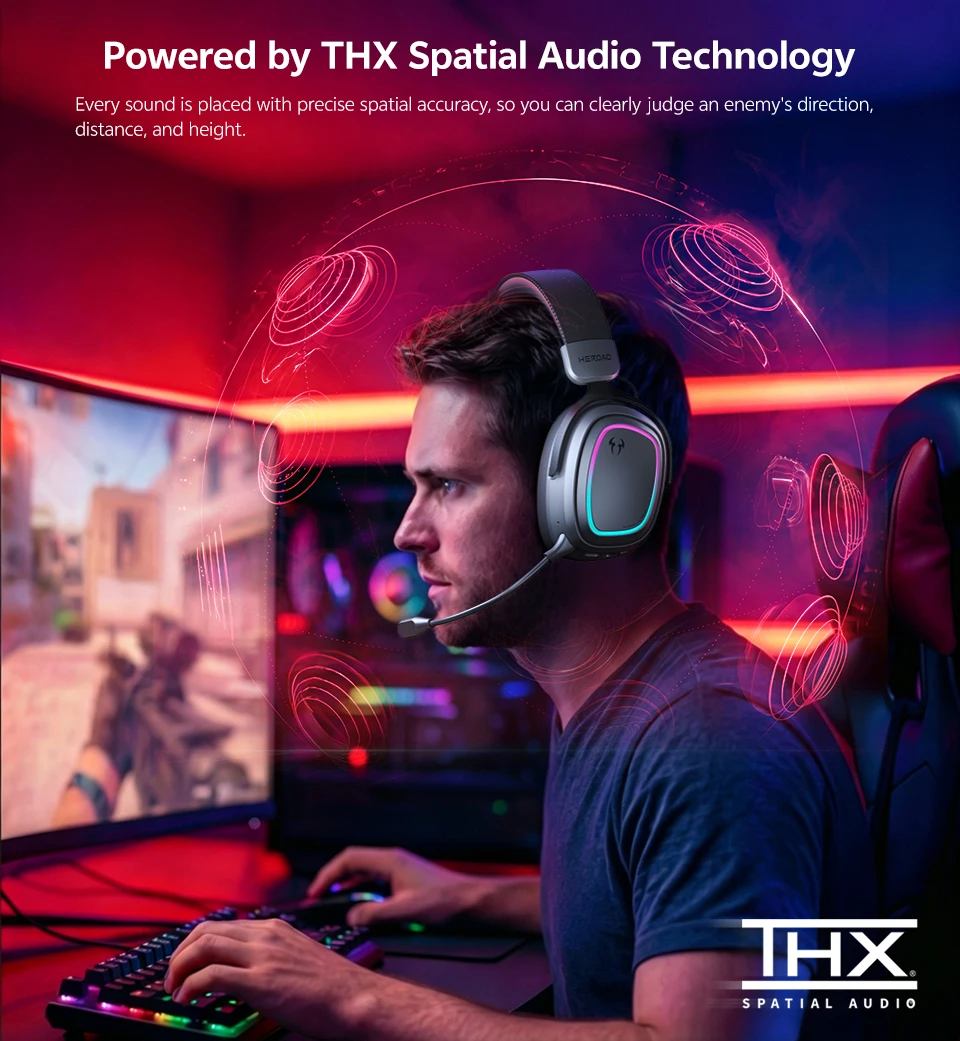
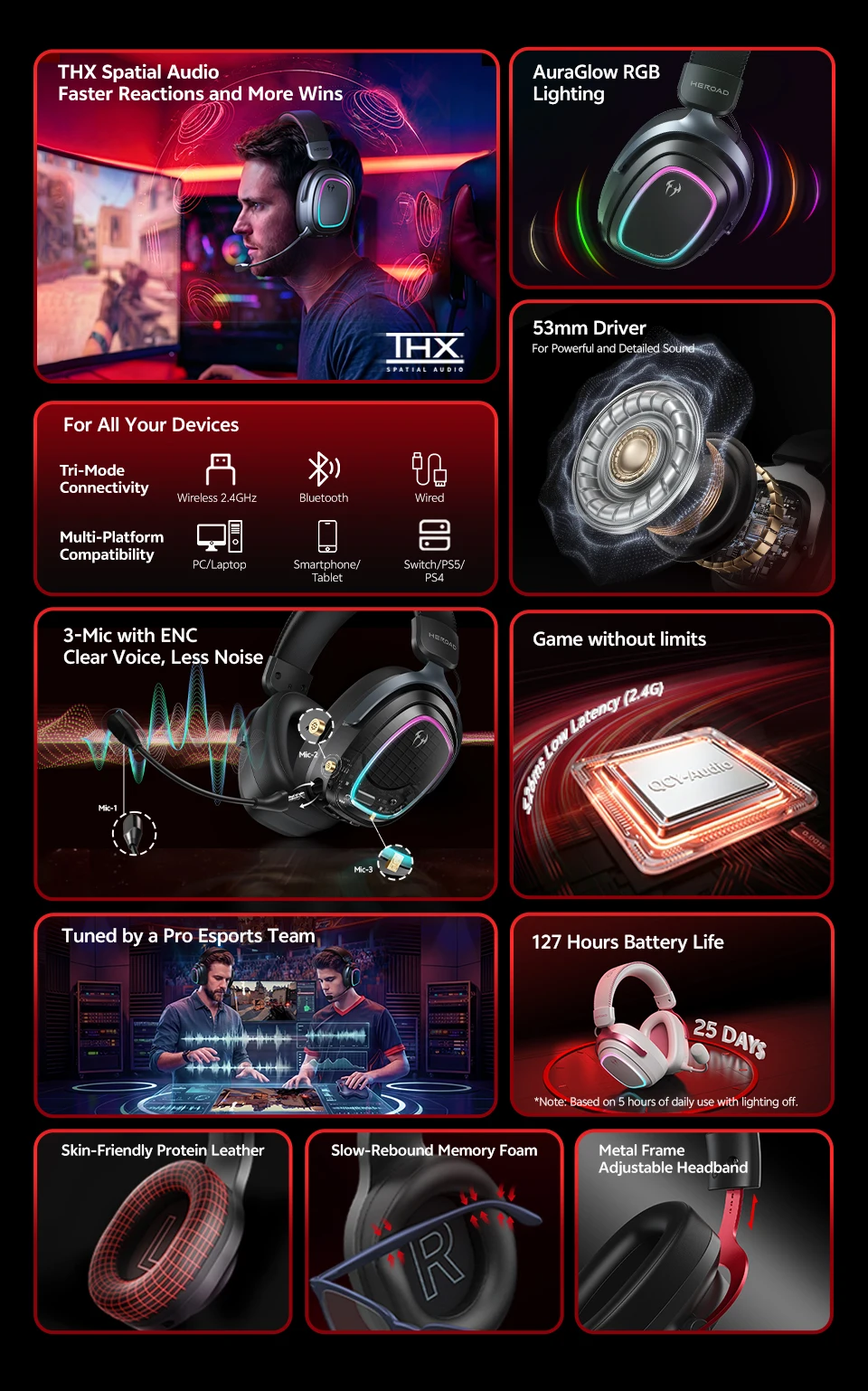
● THX Spatial Audio+ 7.1.4 Technology
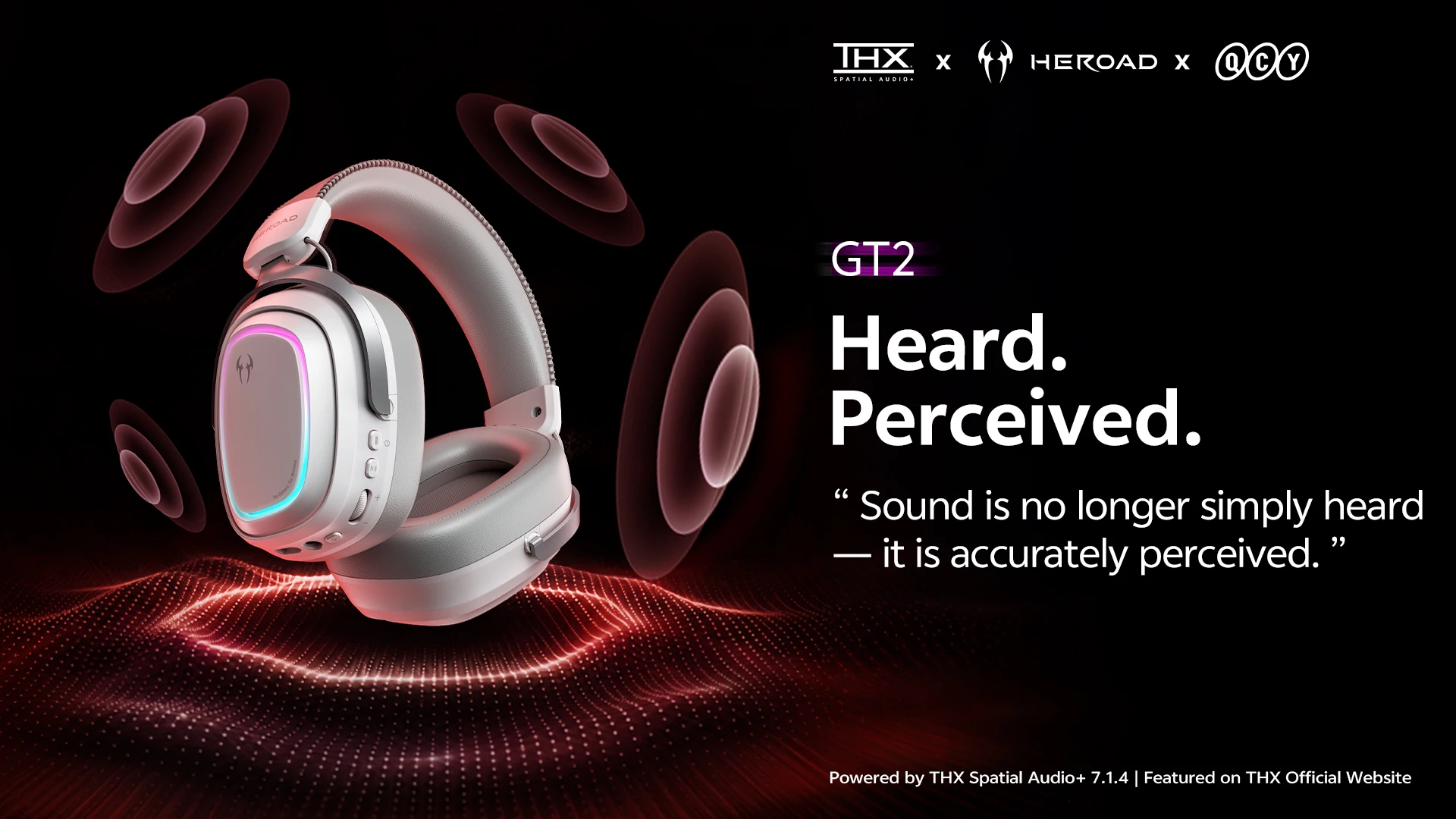
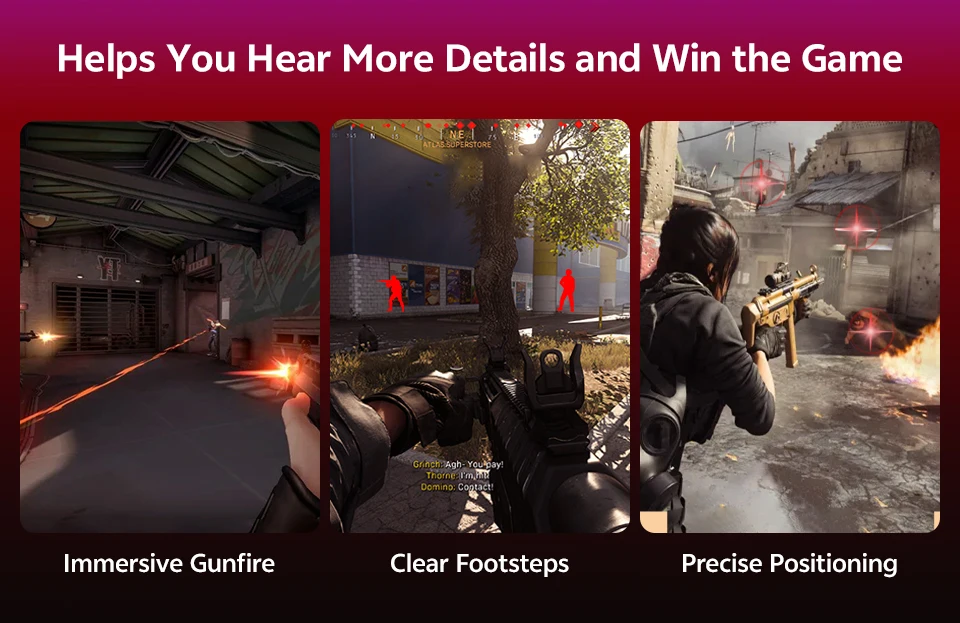
Every sound is positioned with spatial accuracy, allowing you to clearly identify the direction, distance, and height of the enemy. Significantly increases your win rate thanks to superior auditory perception.
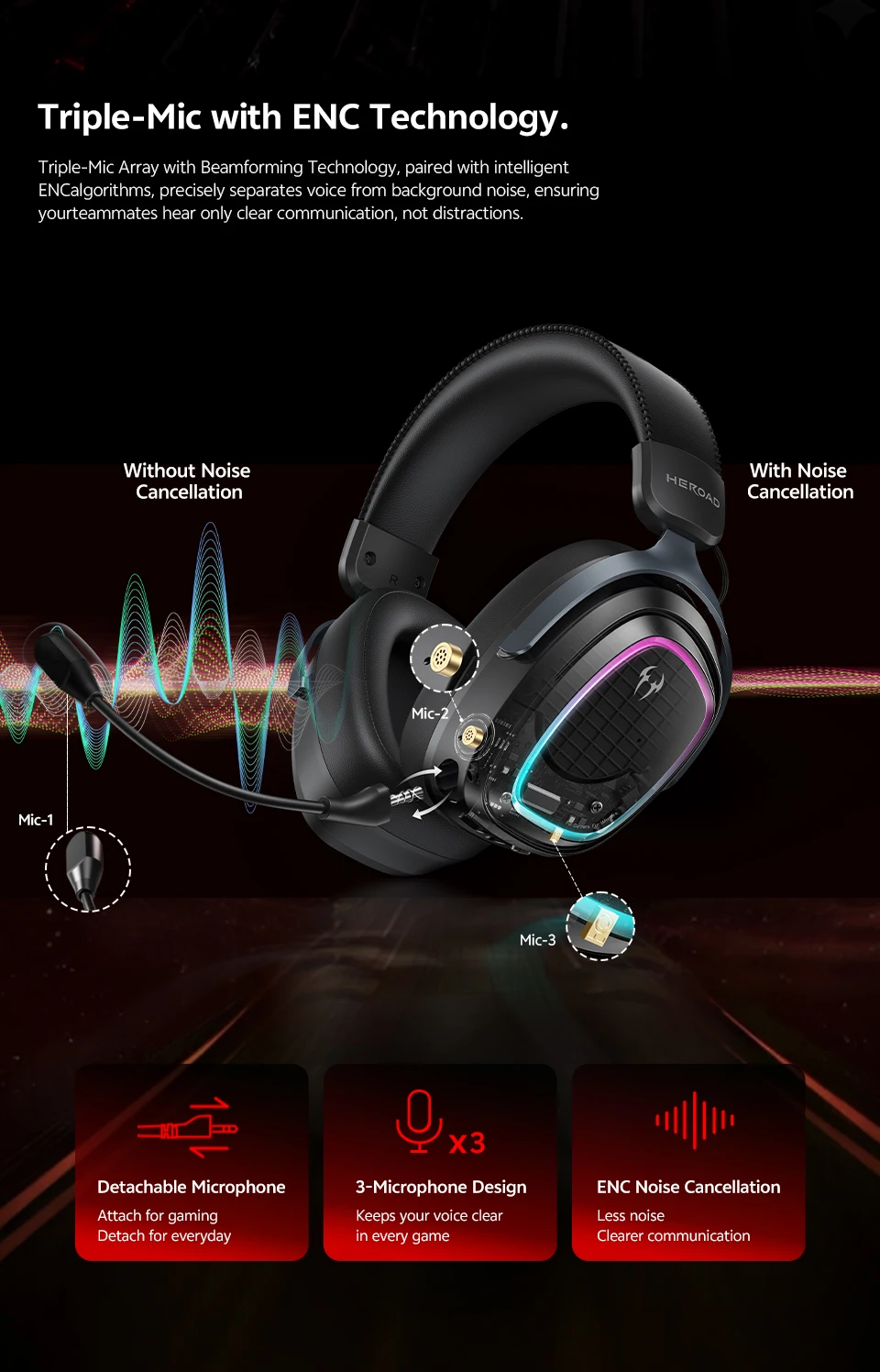
● Triple Mic with ENC Technology
Two built-in microphones + 1 detachable microphone. ENC technology reduces ambient noise and provides clearer, lag-free communication, ideal for competitive gaming.
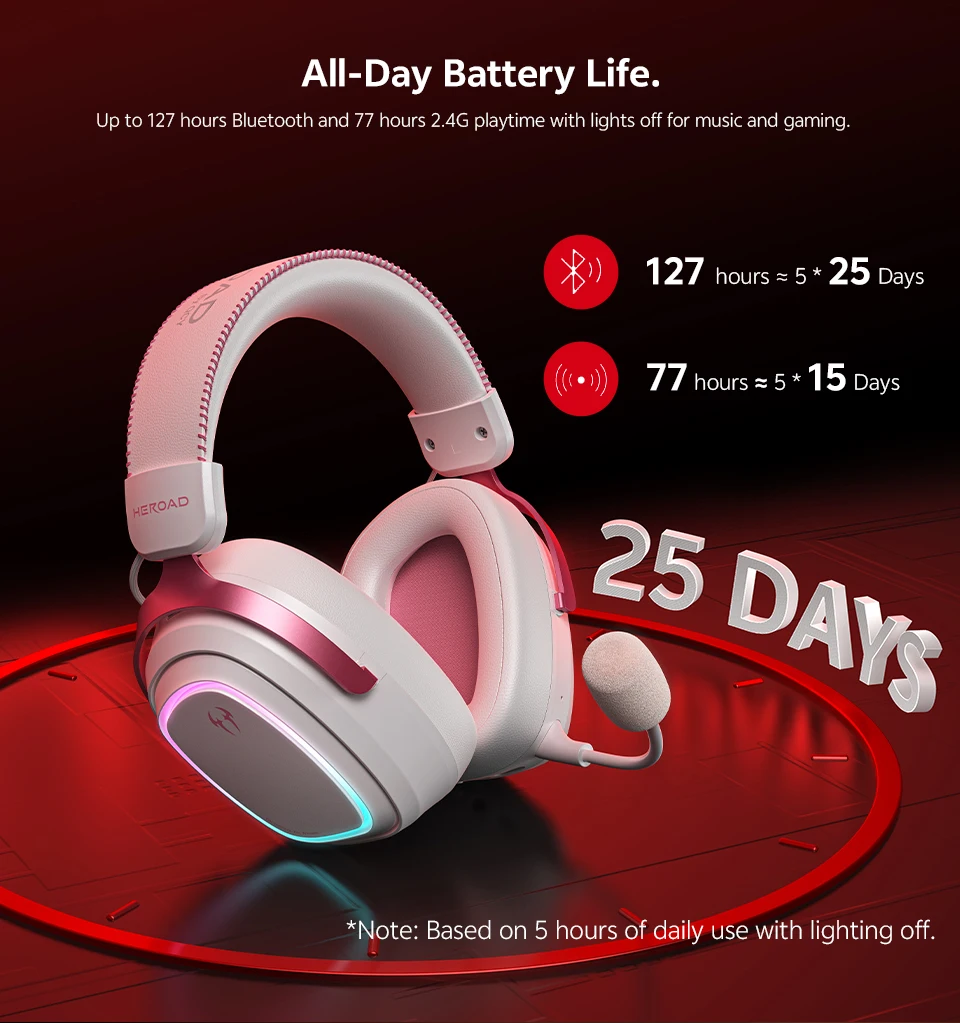
● Up to 127 Hours of Battery Life
Enjoy longer sessions without worrying about charging.
-
Standby time: Up to 127 hours
-
Playtime: Up to 77 hours * Based on 5 hours daily use with lighting off.
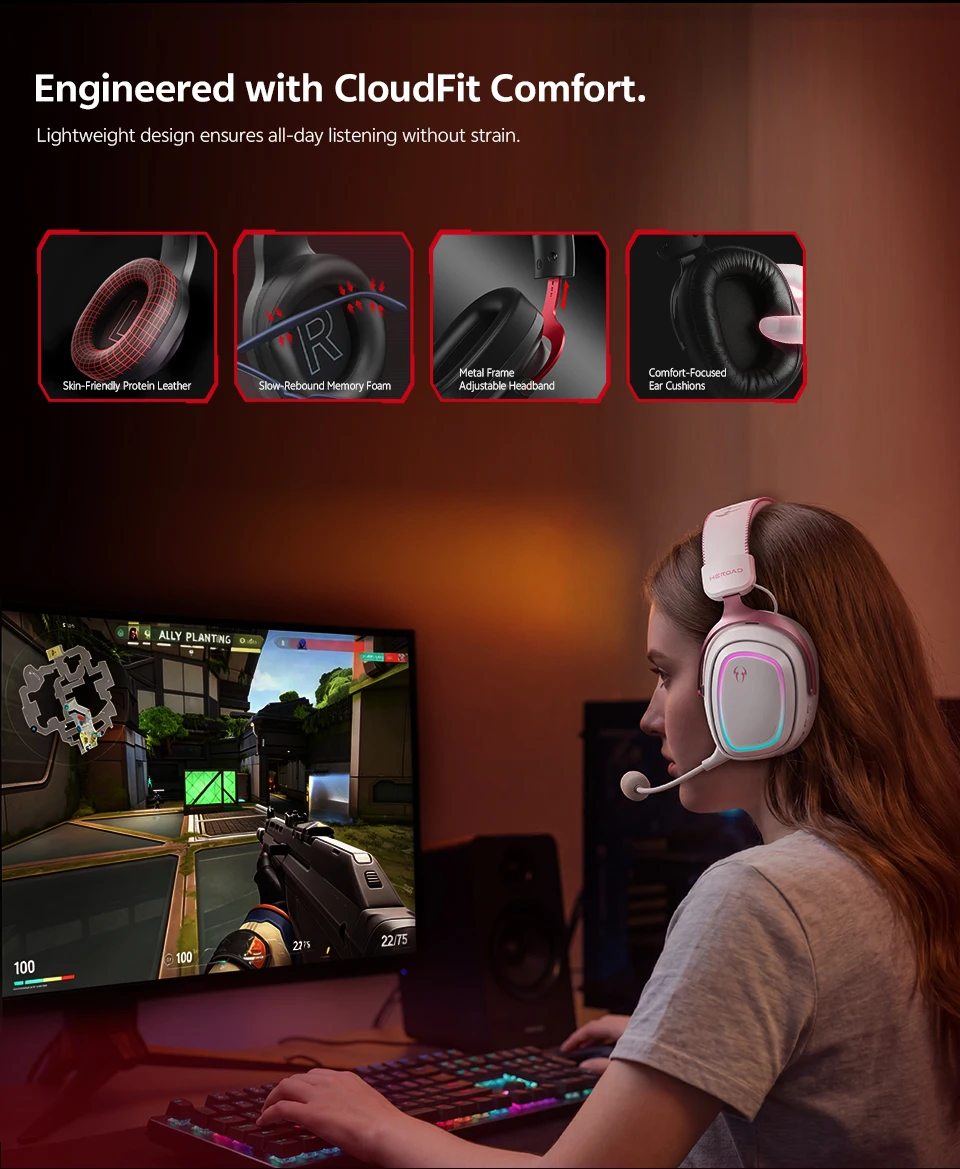
● CloudFit Comfort
Optimized design with:
-
Metal frame
-
Adjustable headband
-
Thick padding on the headband
-
Soft and breathable cushions Total comfort and easy cleaning for prolonged use.
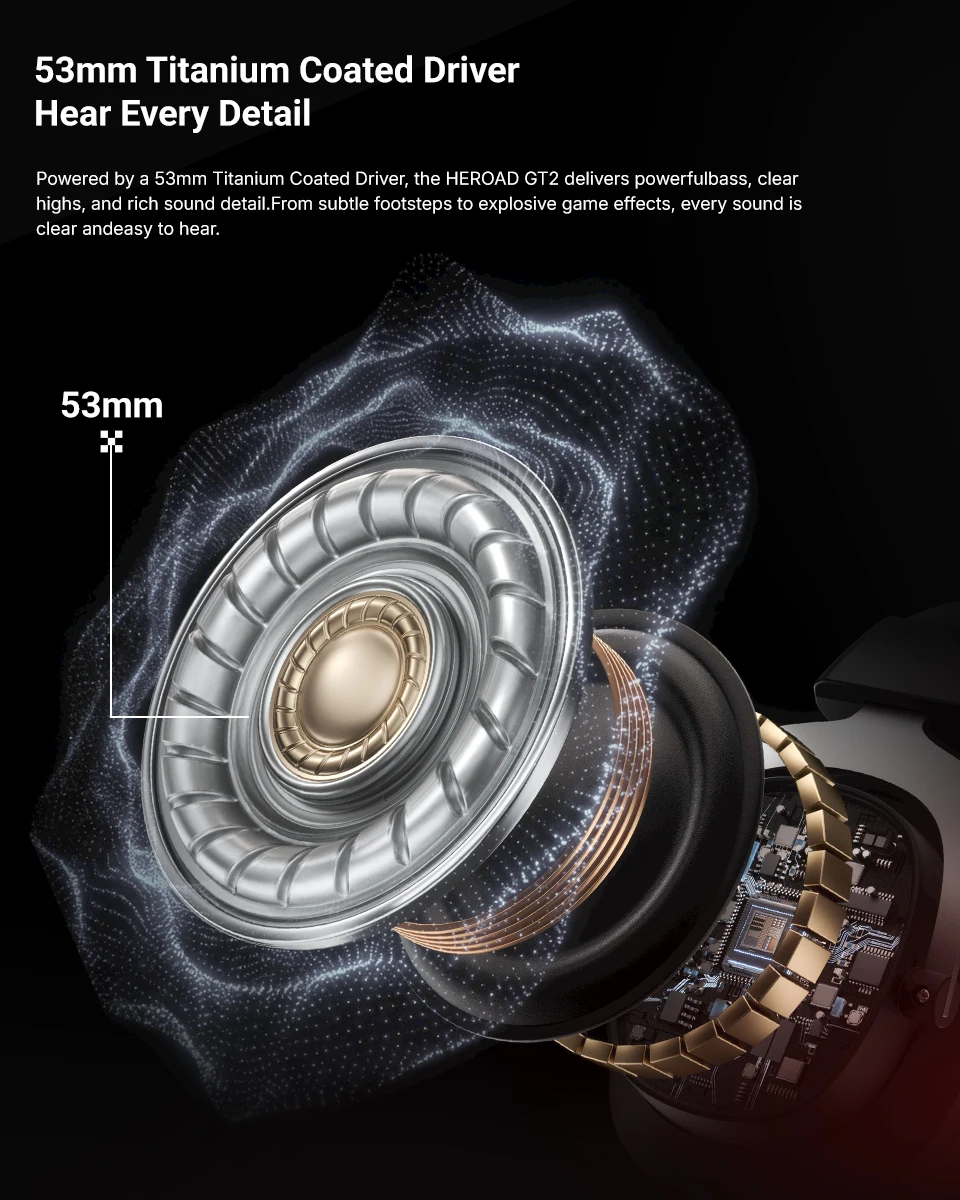
● 53mm Driver with Titanium Coating
From subtle footsteps to intense effects, every sound is reproduced with clarity and precision.
● Tuned by Audio Professionals
Fine-tuned by esports experts to deliver perfect performance in FPS games. An ultra-immersive gaming experience.
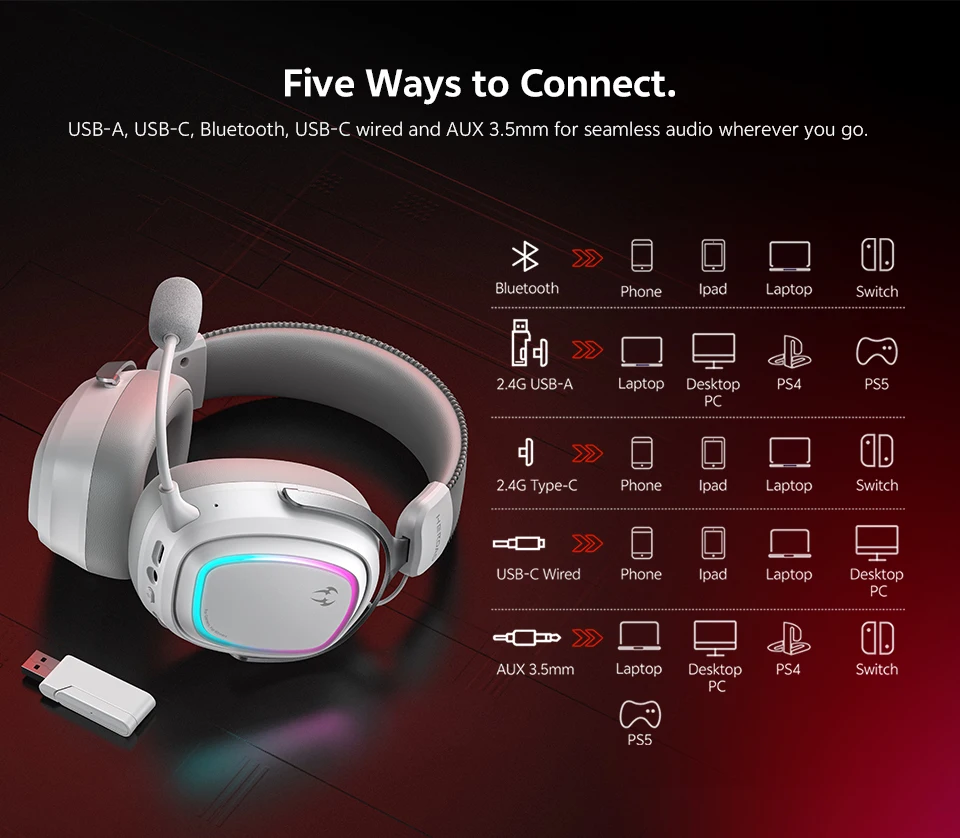
● Tri‑Mode and Five Connection Methods
Compatible with: 2.4G wireless / Bluetooth 6.0 / USB‑C / AUX 3.5 mm Works with Smartphone, iPad, Laptop, PC, PS4/PS5, and Nintendo Switch.
Warranty
Includes 12-month warranty.
Q: How do I install the driver?
-
Go to the official QCY website and select English language.
-
Follow this path:
Support Center → Product Support → Heroad → Heroad GT2 Tri‑Mode Edition
-
Download the following files under Documents & Drivers:
-
HEROAD Audio+_V4.2.41.2497
-
HEROAD Head Tracker_V1.6.13.275
-
Once installed, you will be able to access:
-
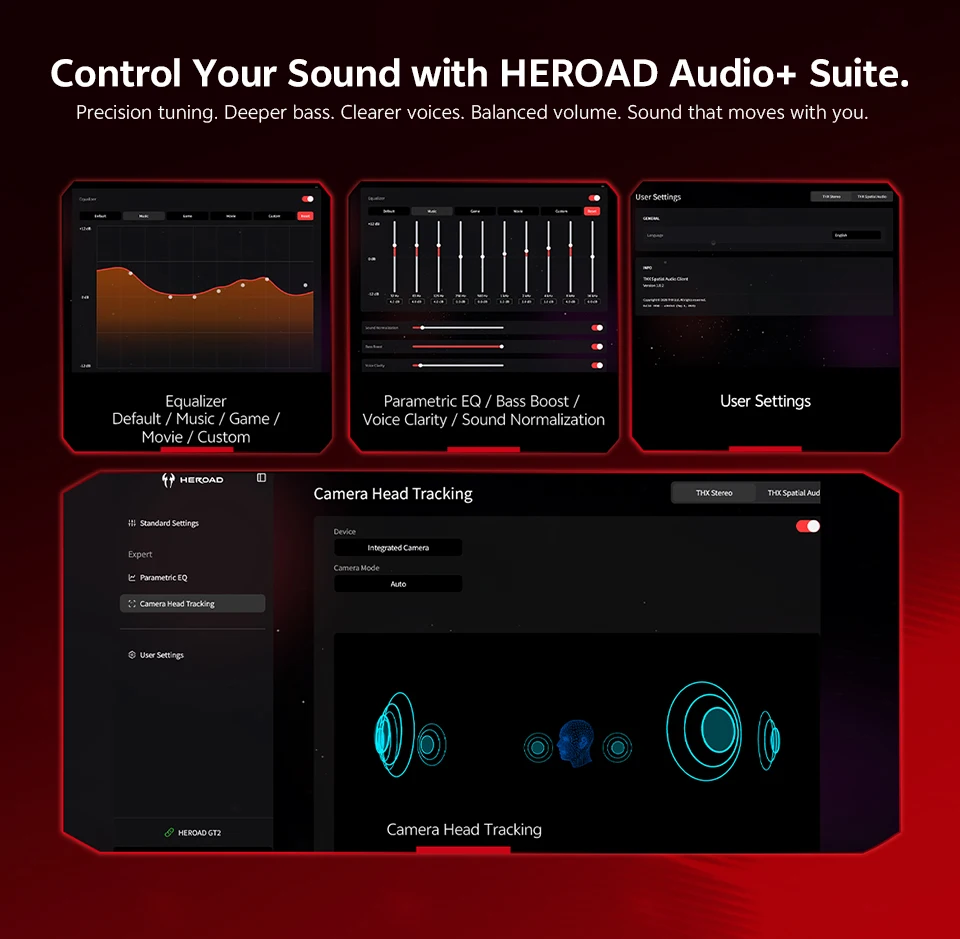
THX Spatial Audio settings
-
Head tracking
-
EQ customization
-
Additional advanced features
Video guide for the gaming headset
THX Spatial Audio+ 7.1.4 Technology
Every sound is positioned with spatial accuracy, allowing you to accurately judge direction, distance, and height.
Triple Mic with ENC Technology
The three-microphone array with beamforming technology, combined with intelligent ENC algorithms
53mm Driver with Titanium Coating
Powered by a 53mm driver with titanium coating, the HEROAD GT2 delivers powerful bass, clear treble, and rich sound details. From subtle footsteps to intense game effects, every sound is perceived with clarity and ease, optimizing your auditory precision in competitive matches.
All-Day Battery Life
Up to 127 hours of use on Bluetooth and 77 hours in 2.4G mode with lights off, ideal for music and gaming without constant charging.
Designed with CloudFit Comfort
The lightweight design ensures all-day listening without fatigue, offering a comfortable experience even during prolonged gaming, study, or work sessions.
Five Connection Methods
USB‑A, USB‑C, Bluetooth, wired USB‑C, and AUX 3.5 mm, to enjoy seamless audio wherever you go. Full compatibility for gaming, work, and entertainment across multiple devices.
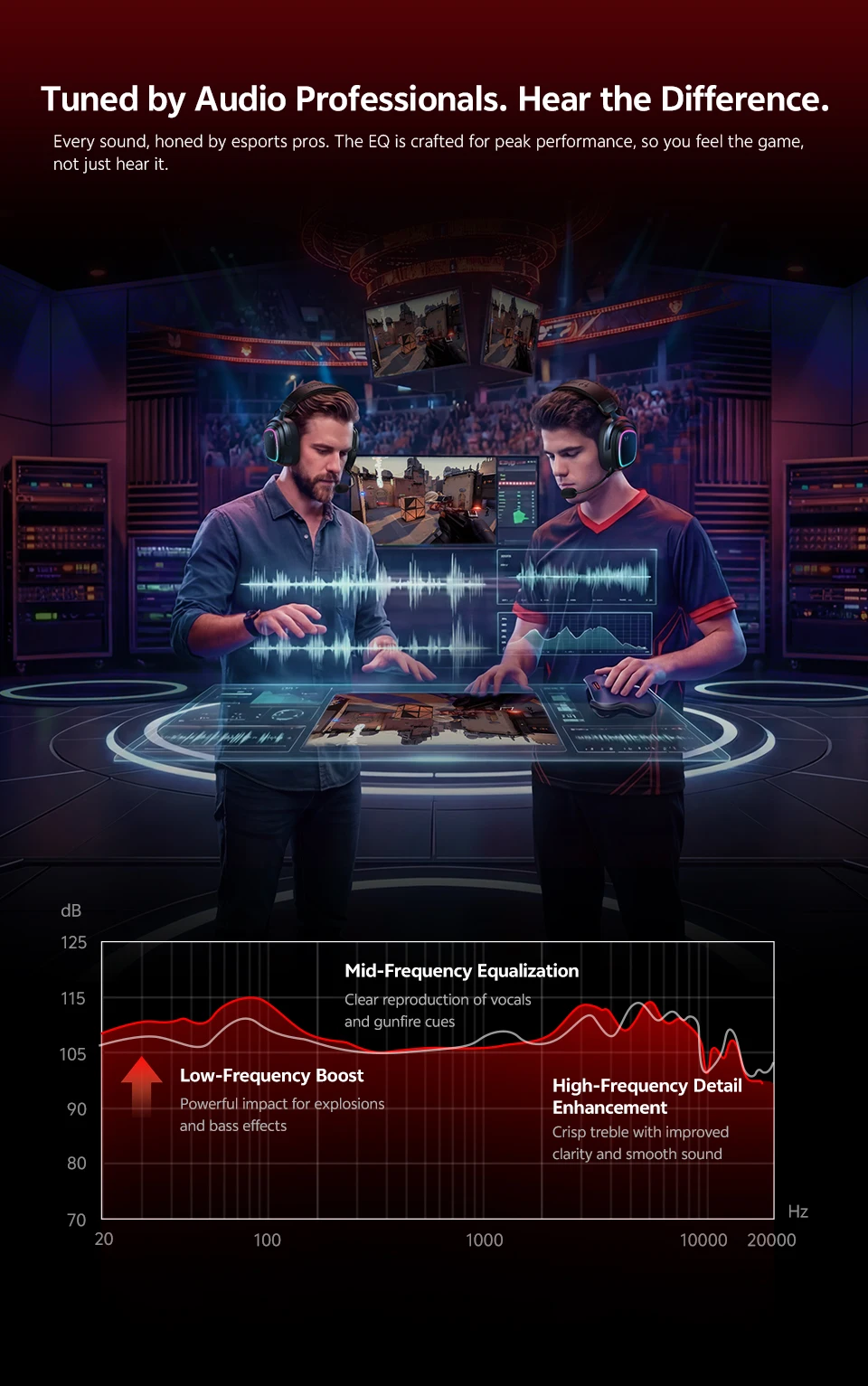
Tuned by Audio Professionals
Every sound has been perfected by esports experts. The EQ is designed to deliver maximum performance, allowing you to feel the game, not just hear it, with optimized sound response for precision, immersion, and competitive advantage.
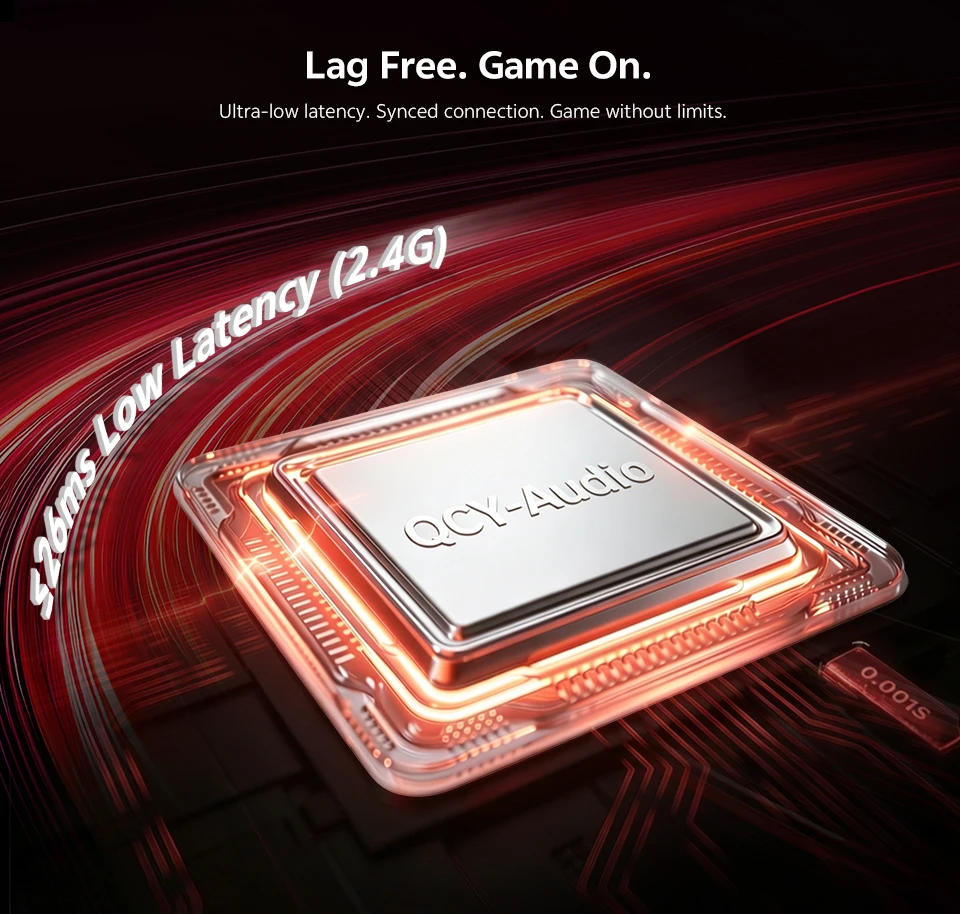
No Lag. Continuous Play.
Ultra‑low latency ≤26 ms. Synchronized connection so you can play without limits, with immediate response and total precision in every action.
Control Your Sound with HEROAD Audio+ Suite
Precision tuning. Deeper bass. Clearer vocals. Balanced volume. Sound that adapts to you and moves with you.
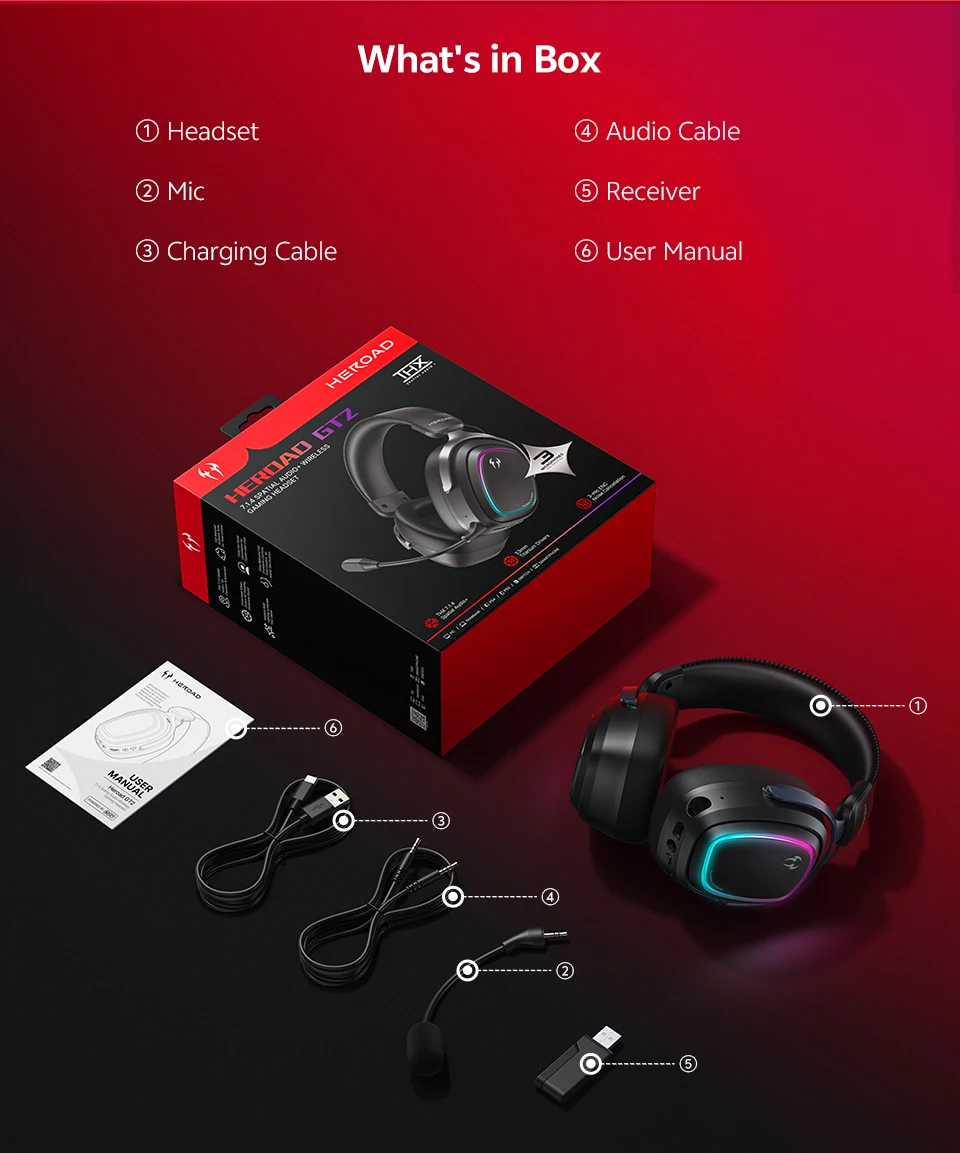
What's in the Box
Specifications
-
Connection: 2.4GHz / Bluetooth / USB / AUX 3.5 mm
-
Bluetooth Version: V6.0
-
Audio Codec: SBC
-
Sound Modes: Game, Music, Movie
-
Speaker: 53 mm
-
Speaker Impedance: 16Ω ± 15%
-
Frequency Range: 20 Hz – 20 kHz
-
Speaker Sensitivity: 118.5 dB ± 3 dB
-
Microphone: Omnidirectional Electret Condenser
-
Battery Capacity: Lithium polymer battery, 2000 mAh
-
Playtime: Bluetooth approx. 127 h
-
Charging Input: DC 5V – 1.5A
-
Charging Time: approx. 4.5 h
-
Headset Weight: approx. 347 g
About Heroad
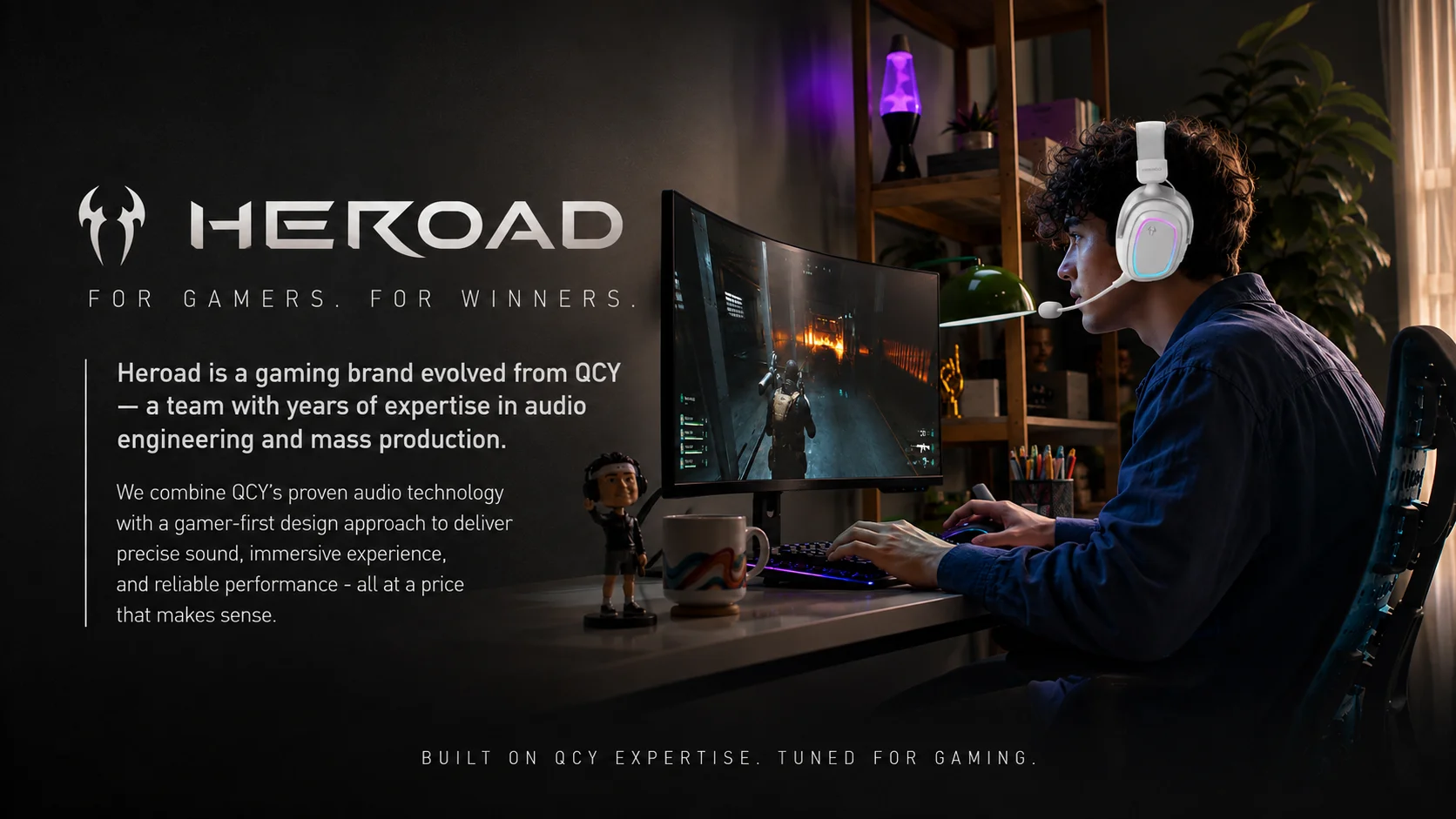
Heroad is a gaming brand evolved from QCY, a team with years of experience in audio engineering and mass production.
We combine QCY's proven audio technology with a gamer-centric design approach, offering precise sound, immersive experience, and reliable performance — all at an accessible and competitive price.
Heroad — For Gamers. For Winners.
FAQ
Q: What is the warranty period?
A: QCY products come with a 12-month warranty from the date of receipt.
Q: What do I do if the headset doesn't turn on when I receive it?
A:
-
Verify that the headphones have battery (press the power button and check if the LED lights up).
-
If they are off, connect them with the included USB cable and charge them using a USB power source.
Q: How do I solve the problem when the phone indicates it cannot connect?
A: Delete the pairing record on your phone, then search for the device again and reconnect.
Q: What do I do if there is no sound when listening to music or making calls?
A: On Android:
-
On the Bluetooth connection name, tap the settings icon.
-
Disable phone audio and media audio.
-
Enable them again. If there is still no sound, re-pair the headphones with the phone.
Q: Why is there lag in videos or games?
A: Factors such as environment, network, and phone codec can cause different levels of latency when transmitting audio to the headset.
Q: How do I fix choppy or interrupted sound?
A: If there are many Wi‑Fi, 5G, 4G signals, or high-power appliances nearby, interference may occur. Change environment or re-pair the headphones to solve the problem.
Q: How do I update the version of my headphones?
A: In the app: Device → Settings → Firmware Upgrade If a message appears indicating that it cannot be updated, it means you already have the latest version.
Q: The headphones do not connect to the APP, what should I do?
A: Set the app language to English before connecting the headphones.
Other Tips
-
Before using the headset, read the manual carefully and keep it for future reference.
-
Fully charge the headphones before first use.
-
If the headphones remain unused for more than two weeks, recharge them.
-
Use chargers from certified manufacturers.
-
If the phone does not detect the headset, put them back into connectable mode or restore factory settings.
-
If an error occurs on the phone, turn Bluetooth off and on or restart the device.
You may also be interested in...